A Tribute To Dedication | The New BMW 7.
BMW M Concept Neue Klasse.
Blender 5.0 has been out for a while now, and I think this is a good time to reflect on some older posts and articles that are partly obsolete now.
I started with post 1.3. Using OpenColorIO in Blender in February of 2018, trying to understand how to achieve a matching viewer output between Blender and Nuke.
I continued the series of posts in August of 2019 with 1.4. Blender & ACES 1.2 using the available OCIO v1 configs available at the time. The next step was to describe the workflow to use external OCIO v2 configs in March of 2022 in the blog post 1.4.1. Blender 4.3 & OCIO v2-release.
The latest articles in the series were 1.5.1. Blender 4.0 & AgX and 1.5.2. Blender 4.5 & ACES 2.0, in which I tested the ACES 2.0 OCIO config that was supported very early with Blender 4.5 in comparison to other DCC applications.
These articles can still be useful even with the big release of Blender 5.0, because there are more interesting OCIO configs to try out and use in productions that are sadly not included in Blender by default. A list of some of the OCIO configs that I came across, I compiled in the blog post New OCIO configs available in June of 2025.
Now it’s 2026 and Blender 5.0.1 is out with native support for Standard (inverse EOTFs), the Khronos PBR Natural (basically “Standard” with a softclip to 1.0), the outdated Blender Filmic view transform, and the next generation AgX view transform. Finally, there is also now native support for ACES 1.3 and ACES 2.0 view transforms.
One of the many new features of Blender 5.0 is the ability to see the standard working colorspace “Lineard Rec.709” and the ability to change the working colorspace to Linear Rec.2020 and ACEScg.
Plus, Blender can convert RGB values for lights and shaders from one working color space to the other.
This new feature fits nicely with the new series of articles Numbers and meaning, and here is the first article for Blender 5.0:
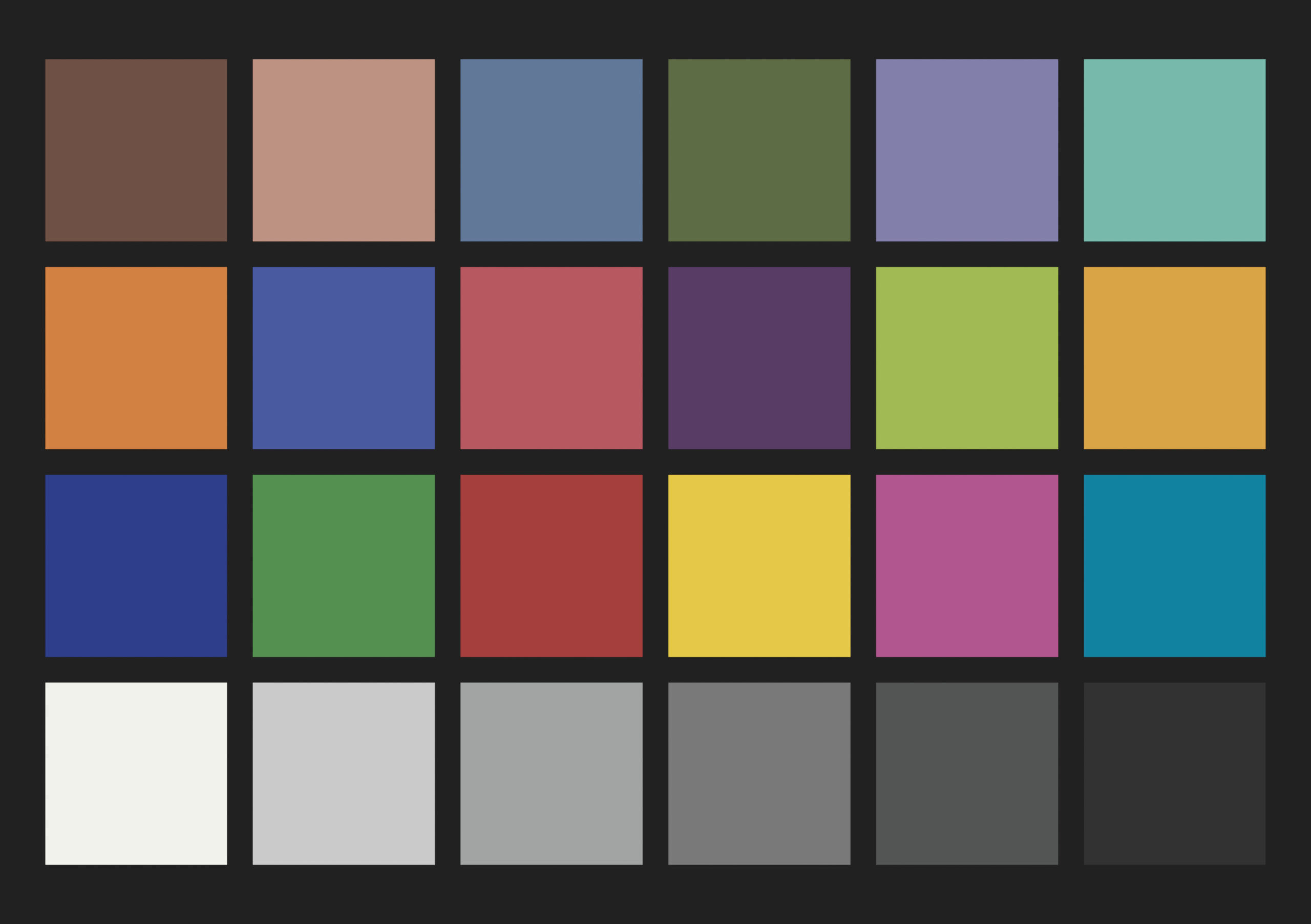
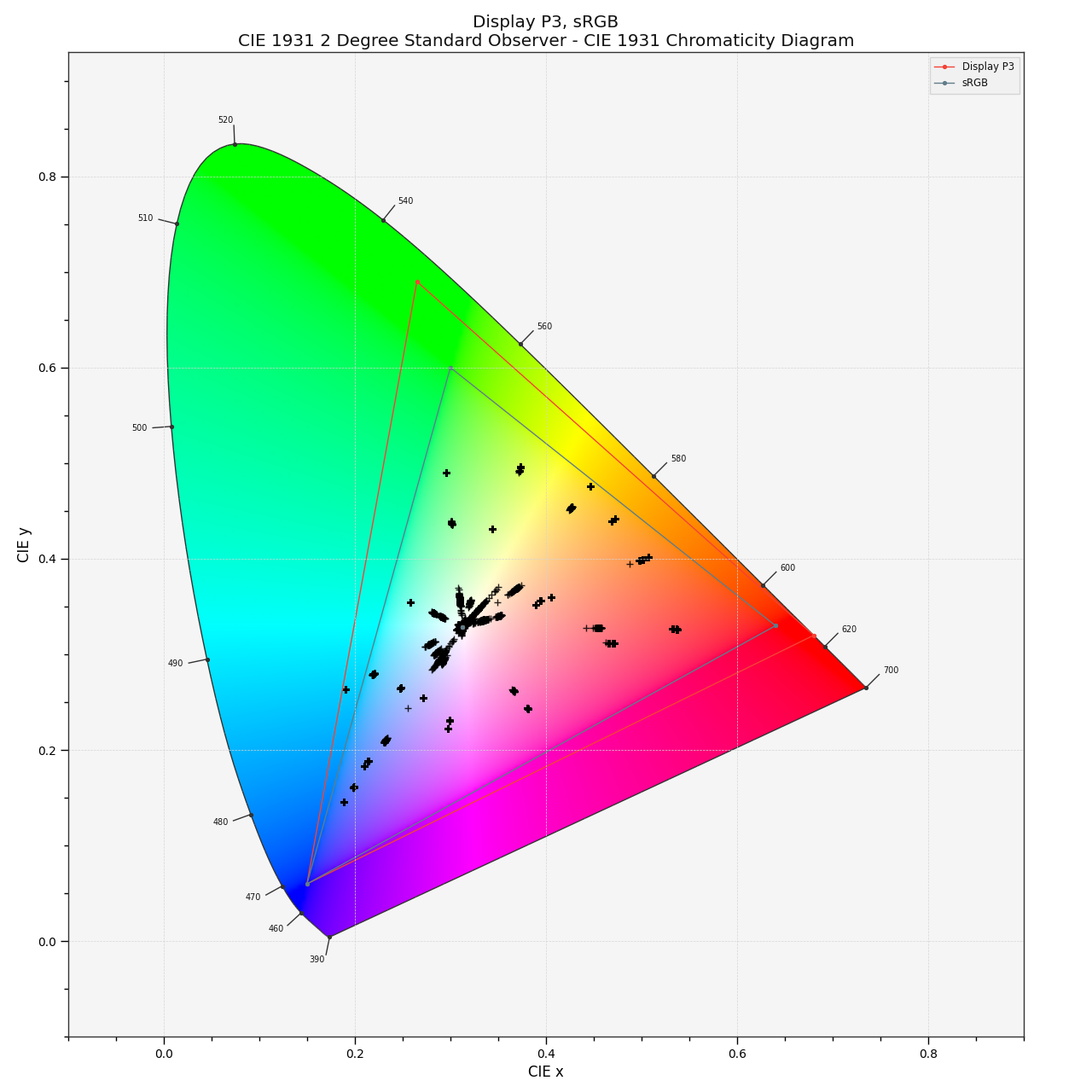
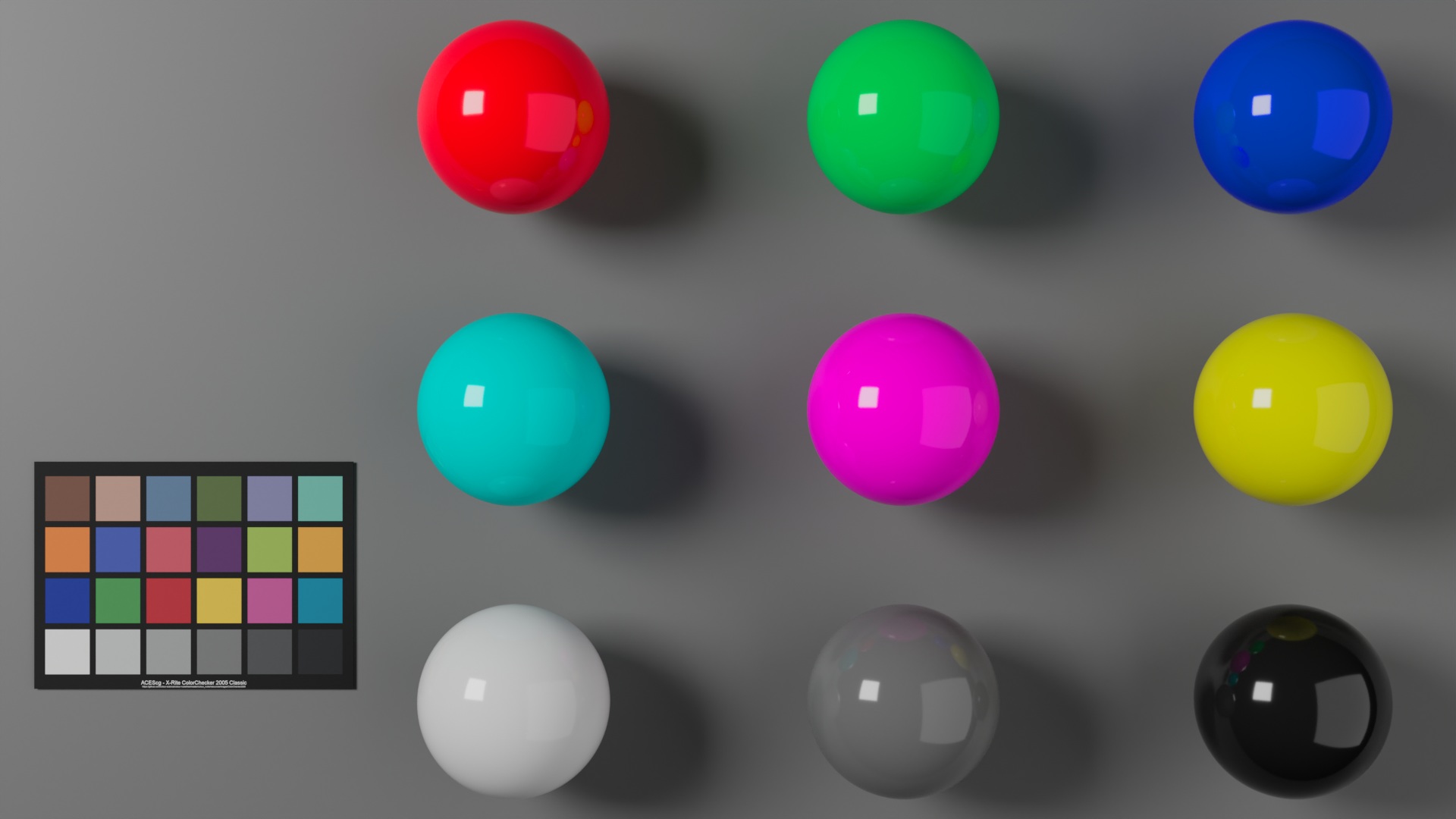
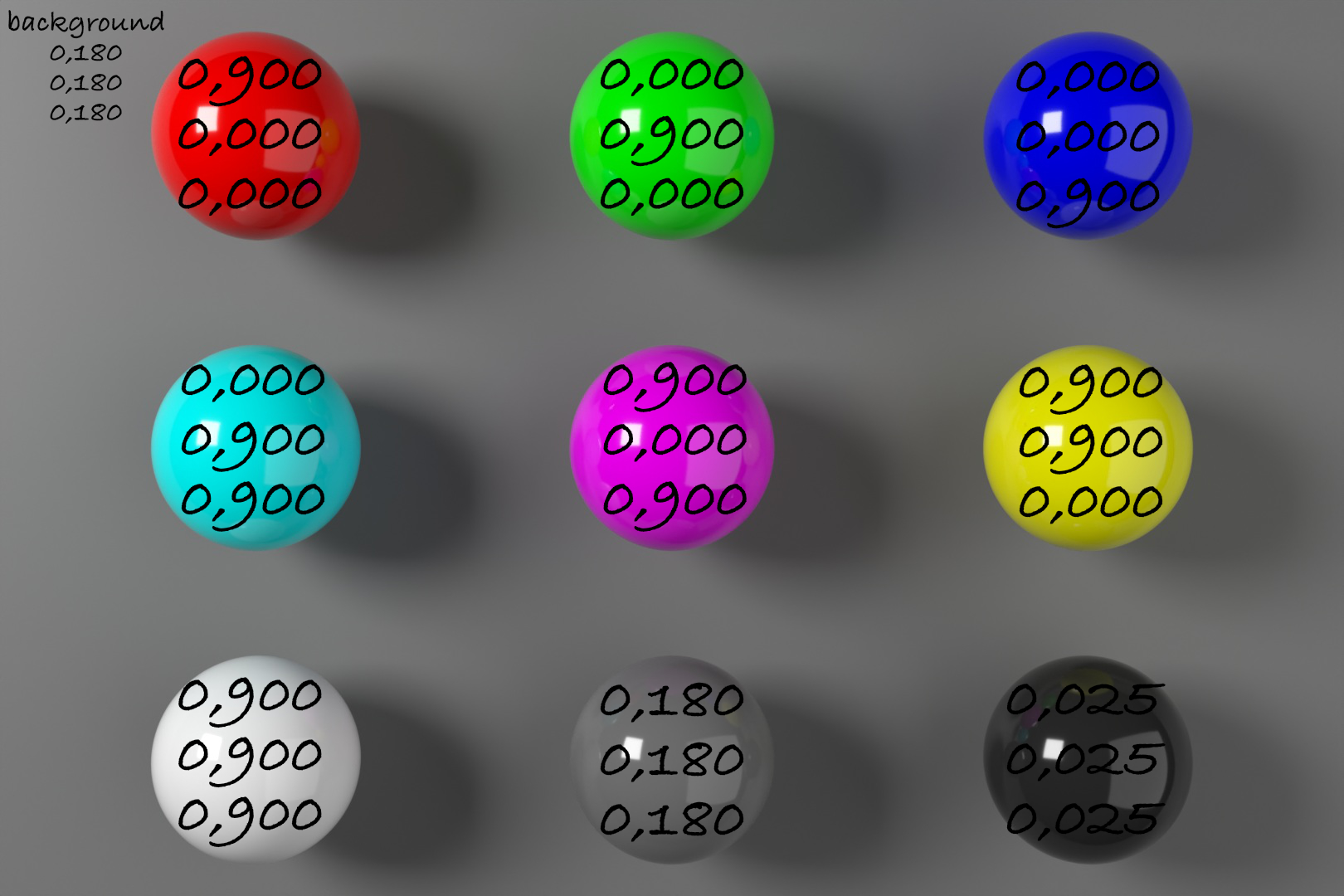
4.3. Blender 5 – quickly moving out of gamut


WordPress 6.9 is out and the latest default WordPress theme “Twenty Twente-Five” looks good.
Here are some projects I worked on this summer.
Mountain Dew Baja Blast – just a label replacement for a changed logo design [comp in Nuke] at “The Marmelade”
Bosch – helped out just for a week with some scene transitions [comp in Nuke] at “Serviceplan Make Munich”
Pfister – retouch and refinement work on the first full AI projects I worked on [comp in Nuke] at “Infected”
VW Commercial Vehicles campaign AD – conform and online in flame & additional comp work in Nuke at “Infected”
Finally, an HDR image is directly in the web browser. It is not an image, but a so-called still-frame video. Whatever works to get the screen bright 🙂
The footage of my side project during the pandemic in February of 2021 got a re-work.
HDR still image
…there is a good chance you see only an empty space. I tested this page on an iPhone Pro, iPad, and MacBookPro. They all show the HDR “image”.
I also could test this page on a basic Android mobile phone. Chrome does not support these still “video” files it seems. At least not on this specific device.
Link to YouTube clip and Social Media links with vertical video versions.
For the Social Media format exports I used FCPX.
New OCIO configs arrived in the last months. I am happy to see more and more options available to try out and test for productions.
Update: Added “DAS-UBER-OCIO-Config” from Chris Brejon
ACES 1.3 — OpenColorIO-Config-ACES 2.1.0 – 2.2.0 for ACES 1.3
ACES 2.0 — OpenColorIO-Config-ACES 3.0.0 for ACES 2.0
At the moment (05/2025) I am only aware that Autodesk Flame 2026, Fusion 20 (public beta), and Blender 4.4 can read this OCIO config. Sadly there is a bug in Blender 4.4.x that makes the OCIOv2 configs for ACES 1.3 and ACES 2.0 unusable. The bug is reported and fixed in the Blender 4.5 alpha version, but it seems this bug won’t get fixed in the Blender 4.4.x releases.
Default working colorspace: ACEScg
OpenDRT v1.1.0 — Github jedypod / open-display-transform
Default working colorspace: Filmlight – linear-E-Gamut 2 (this is version 2)
Thanks to Jed Smith for this new release and all the work and effort he is putting into this project.
Filmlight T-CAMv3 — Truelight Colour Spaces OCIO config
Default working colorspace: Filmlight – linear-E-Gamut 2 (this is version 2)
Replayboys — OCIO Configuration by Finn Jäger
Default working colorspace: ACEScg
A collection of ARRI, ACES 1 & 2 (LUT-bakes), Khronos Neutral and Replayboys Filmic view transforms
AgX — there are several places where you can find different versions of AgX and even a Python generator for your version of the config.
I prefer to use an OCIO config that has more options and I found the easiest way to do so is to use the OCIO config that ships with Blender.
Default working colorspace: linear-sRGB/Rec.709
The more linear working color spaces are available in each OCIO config, the easier it is to try out different image formation approaches (view transforms).
Chris Brejon — DAS-UBER-OCIO-Config
A minimal OCIO config with several image formations for full CG projects.
Default working colorspace: linear-Rec.709

Blender 4.5 is around the corner (Blender 4.4.x has a serious bug with OCIOv2 configs on MacOS – at least for me) and the new ACES 2.0 OCIOv2 config was recently released. So it’s time for an updated little setup guide on how to start work with the new OCIO config in Blender.
Head over to 1.5.2. Blender 4.5 & ACES 2.0 to check it out.
And I wrote a new article in the section “Numbers and meaning” called 4.2. 0,900 or 90% of what? to explore the new ACES 2.0 OCIO config further.

Here is a collection of some of the projects I worked on in 2024. For this selection, I found links to the films. The rest of the most important projects for 2024 can be found in the recent projects section.
Audi
VW
Actually OpenDRT is not that new. What is new is that it is available now as an OCIO config thanks to Chris Brejon. Before it was only available to me as a nuke node that was developed by Jed Smith.

The OCIO config can be downloaded here:
https://github.com/chrisbrejon/OpenDRT-OCIO-Config/tree/main?tab=readme-ov-file
There you can find the OCIO config with some explanations and a link to Jed’s GitHub repo as well.
Thanks to Chris and Jed for releasing their work.
With a bit of delay I finally updated the website to the latest WordPress theme “Twenty Twenty-Four”. I hope all the pages are working as expected. I will check them bit by bit and get also finally ready for some new content.