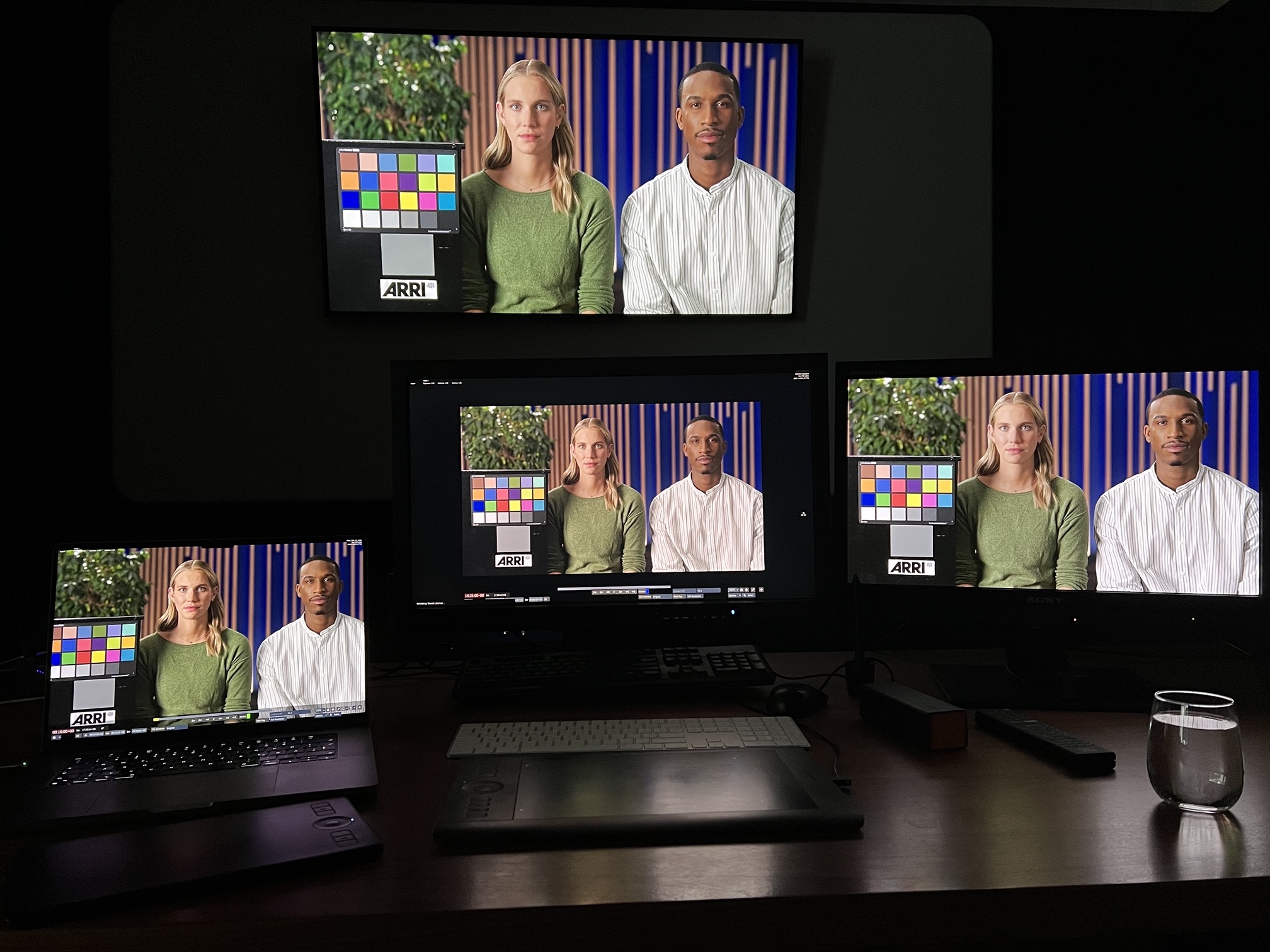
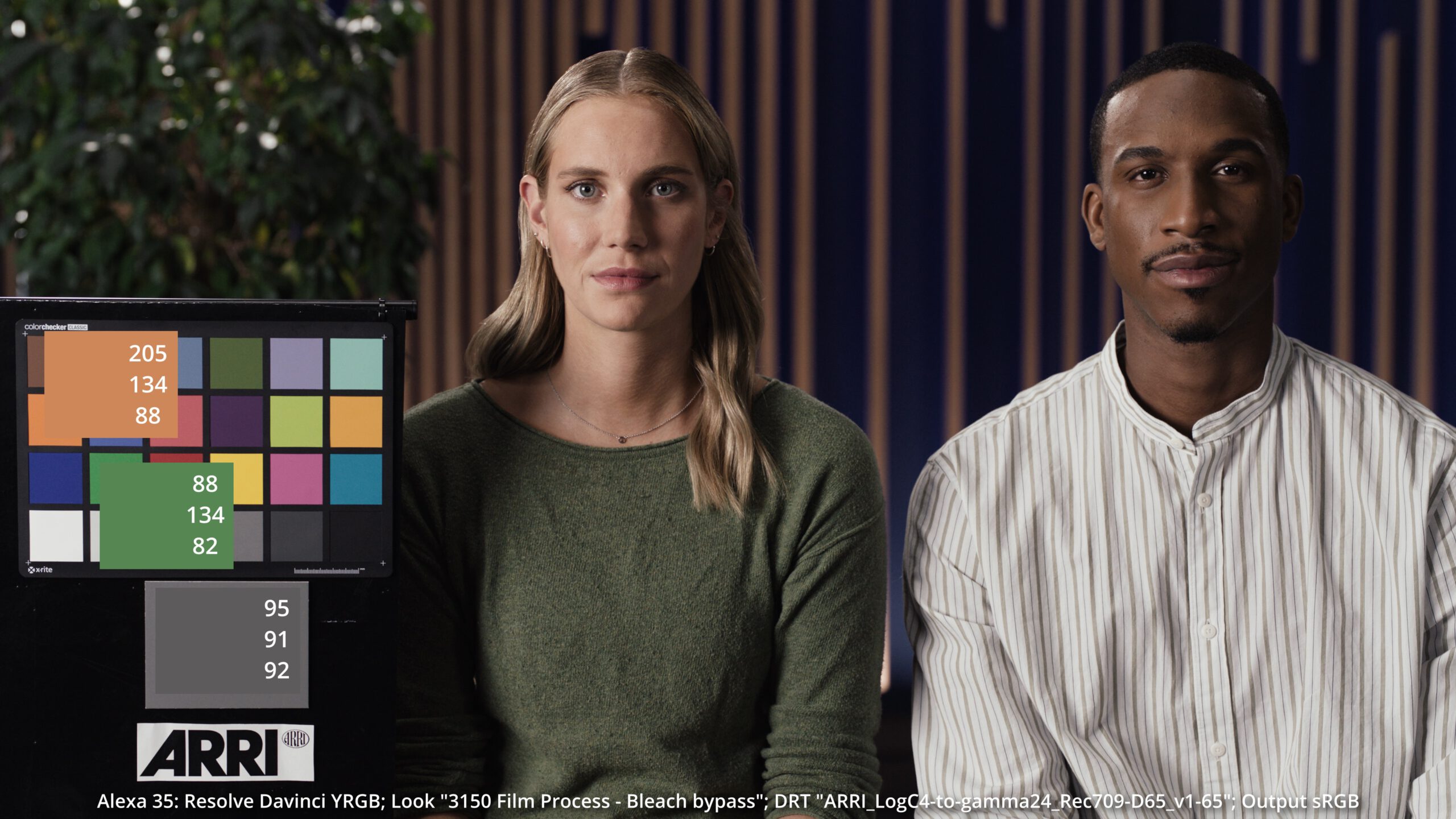
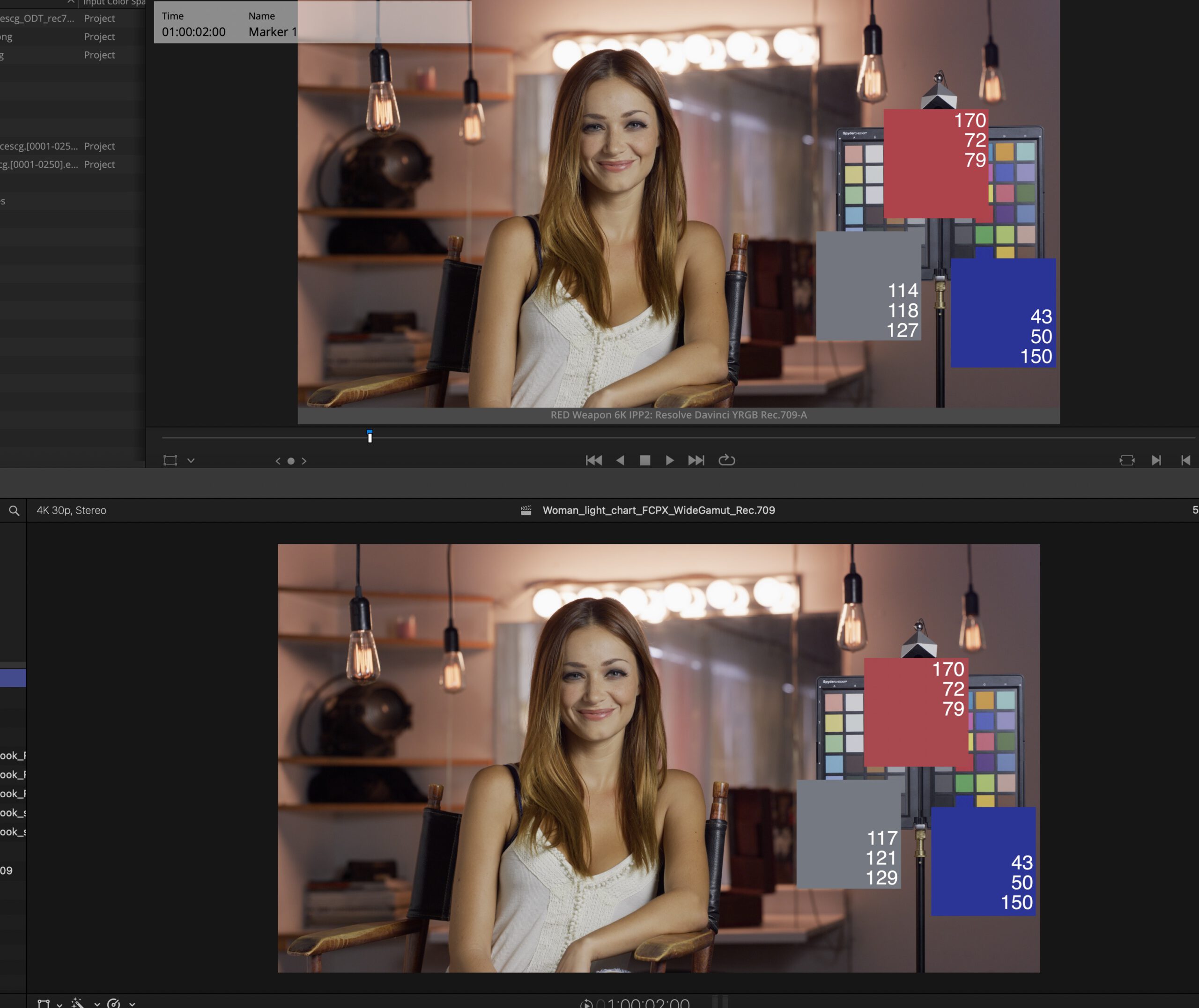
With a bit of delay I finally updated the website to the latest WordPress theme “Twenty Twenty-Four”. I hope all the pages are working as expected. I will check them bit by bit and get also finally ready for some new content.
Blog
-
Last project of 2023:
The last project I worked on in 2023 was for the new NIO ET9 launch film.
A shortened version can be seen on the NIO YouTube channel.
The full 90s version can be found on the NIO ET9 official website via the watch film button and on the Infected.digital website.
-
HDR – holiday cleanup ’23
With macOS Sonoma (14.1) and iOS/iPadOS (17.1) it was time again to review the subdomain hdr.toodee.de and the HDR-Gallery page.
There is no new content, but after I checked the pages on all my Apple devices again with the latest OS updates I found that HDR is better supported than ever.
I also removed a lot of content from my Vimeo account as it felt redundant next to the YouTube uploads. I am still in the process to look for outdated links on my blog to replace them with YouTube links.
-
OpenColorIO-Config-ACES 2.0.0 available (09/2023)
There is a new OCIOv2 config available. Check the link for the updates.
The name of the release is a bit confusing again, because the config contains:
- New configs in version v2.1.0
- ACES 1.3, ACES 2.0 is still in development
- OCIOv2 in point release 2.3
For me as a MAC user with Display P3 screens, the following feature could be important: “DisplayP3 Related Colorspaces and Display Rendering Transforms”. But I need to test the new config a bit.
Actually as I am also testing the new Nuke 15 Beta, I saw that Nuke supports only OCIOv2 up to version 2.2, not 2.3.
-
Blender 4.0 – now with AgX
Blender 4.0 will be shipping with a new OCIOv2 config.
In addition to Blender FILMIC there will be a newer view transform called AgX.
As Blender 4.0 is still in an alpha stage, the defaults in the color management area are a bit strange at the moment (3rd of September 2023).Here is a little guide how to set some of the settings to avoid running into troubles.
Please continue reading: “1.5.1. Blender 4.0 is coming…“
-
Summer projects: 2023
My first project this summer: Mc Donald’s Big Mac with Katalyst Hamburg.
A new campaign for Sixt with Markenfilm / Infected.
A new campaign for Tamaris at FJUL, Hamburg.
-
Projects: 2023 (till may)
Here is a collection of the most recent projects I worked on.
On this project I helped out for some days doing compositing in Nuke for Katalyst Hamburg.
Part 1 & 2
Flame comp at Kaeptn
Flame comp at FJUL
Nuke Comp at Infected
-
Holiday links (06/2023)
During a two weeks summer break in Seville I took the time to study a bit of 3D rendering background. I found a YouTube playlist from the Technische Universität Wien about the topic: “TU Wien Rendering / Ray Tracing Course“. The course is super interesting, great that this kind of knowledge is available for free.
I am subscribed already for quite some time to the channel “Two Minute Papers” from Károly Zsolnai-Fehér and enjoyed some of his short videos.
I also watched some videos about the Mitsuba 3 renderer.
It was used to generate some test images for the ACES 2.0 CAM DRT Development thread on ACESCentral.com.
I used that renderings to generate some comparison videos for the discussions on the ACESCentral thread. I wanted to see these renderings through different image formation pipelines like ACES 1.2, ACES 2.0 dev035, ARRI Reveal, Baselight’s T-Cam and AgX in SDR and HDR.
I also found another video on YouTube called “Practical Aspects of Spectral Data in Digital Content Production – SIGGRAPH 2022”. This is very technical.
Already before the holidays I found this presentation called “The Full Spectrum of Virtual Production“. Some of the concepts are explained in the Siggraph video as well.
-
Following pixels from Resolve to YouTube
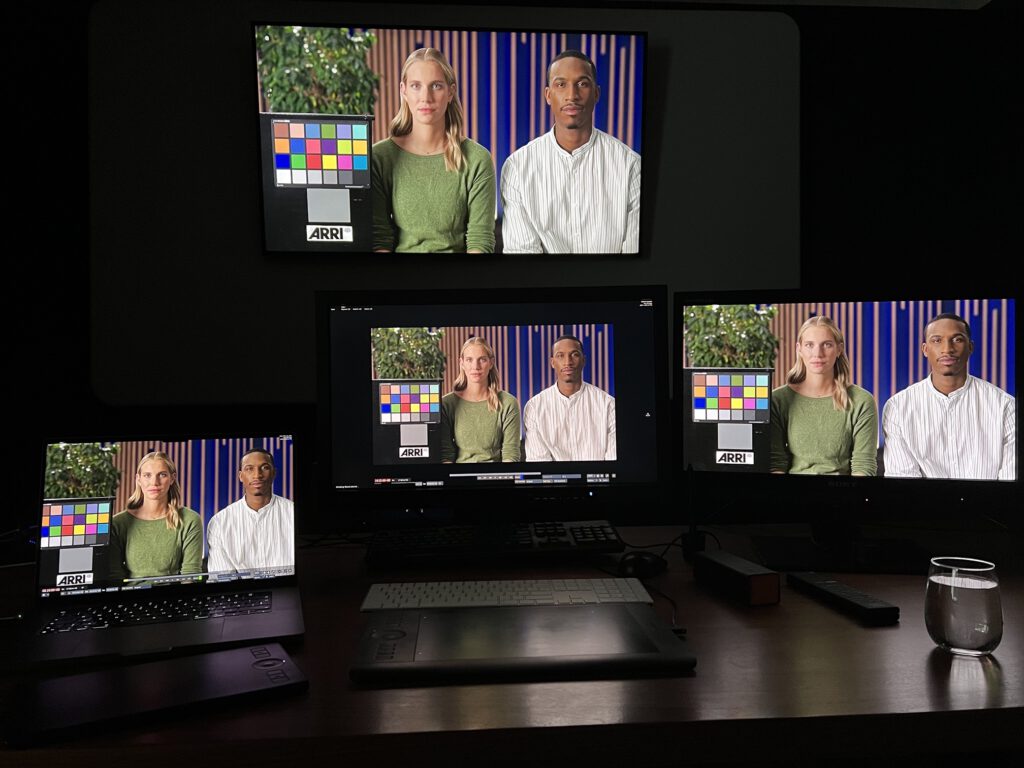
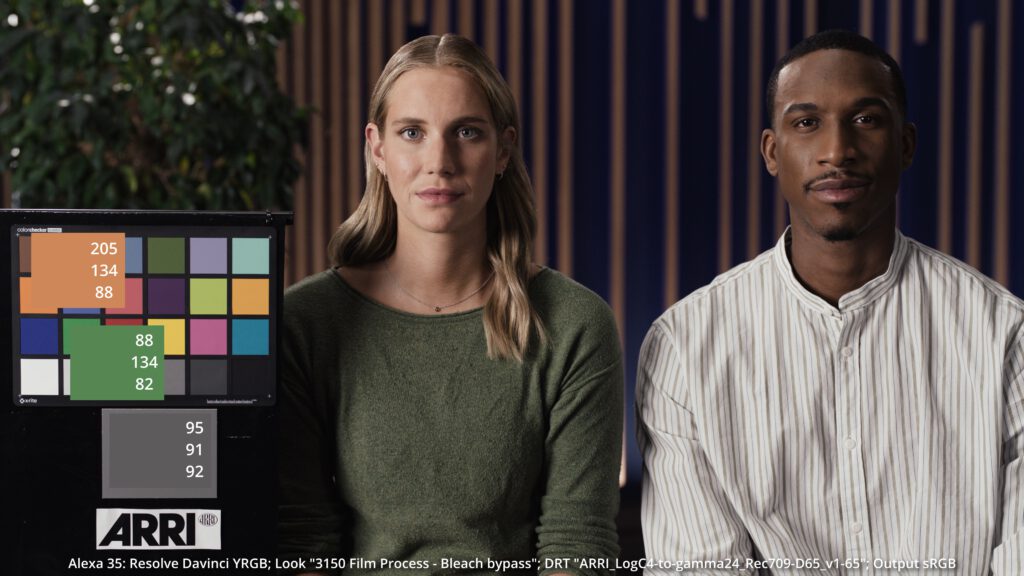
In this blog post I wanted to see how I need to set Resolve on my iMac so that the image that I see in the Resolve viewer looks the same when I export a Pro Res file of the timeline and view it in Quicktime. And I explored the next steps that are necessary to see the same image in Safari on the YouTube page.
Continue here to read “Mac,P3-Displays & Resolve“.
The second part is finished as well: Switching gears from sRGB to Rec.709-A. At the end I tested the new “Remote Monitoring” feature in XDR reference mode as well.
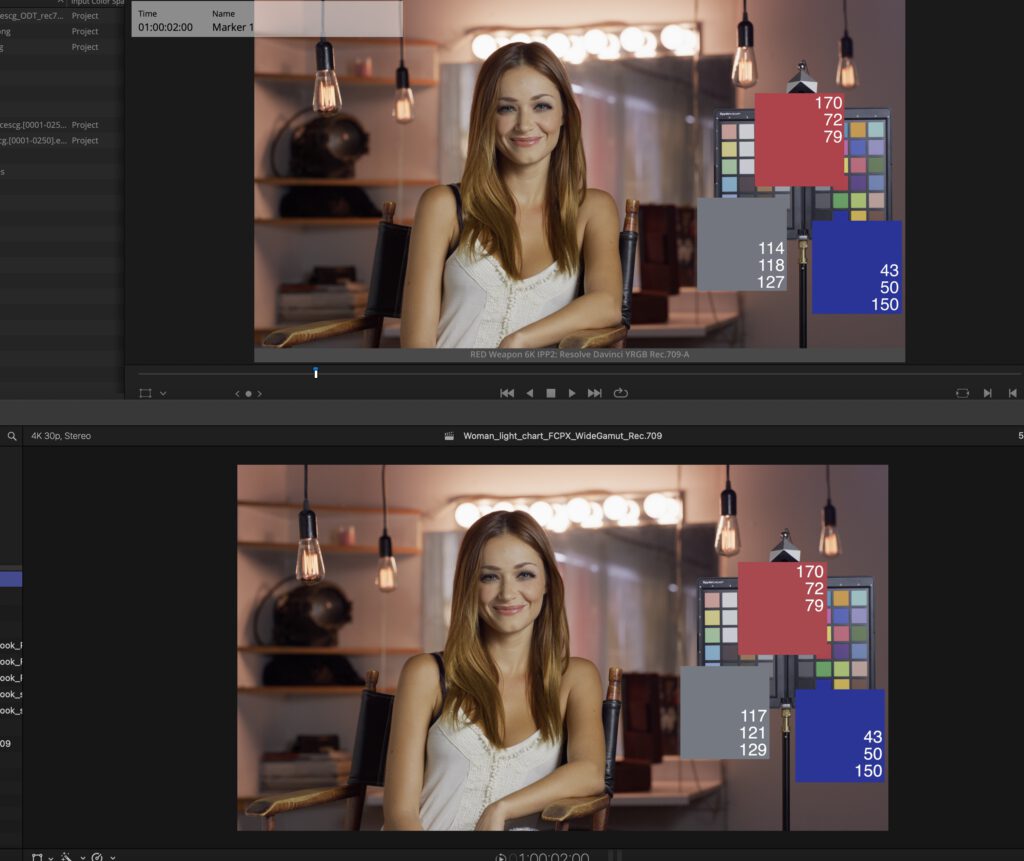
Somehow I was not finished yet, therefore I continued with FCPX and even did a round-trip back to Resolve again. Fine the third part of this series here.
FCPX & Resolve can work quite similar.
-
Easter links
Here are some interesting YouTube and website links:
Color Inconstancy, Chromatic Adaptation, and Scales of Color Appearance
A Beginner’s Guide to (CIE) Colorimetry