Just some days ago I found a question in the facebook Logik group about how to apply a preview look LUT in flame when working in ACES. I had to do this already sometimes, so I could help out amongst others, but for sure I will forget about it in the next weeks and won’t be able to find it when I need it again. So I put together the working steps that are needed to do the same in Nuke and pointed out some obvious limitations with 3D-LUTs in ACES.
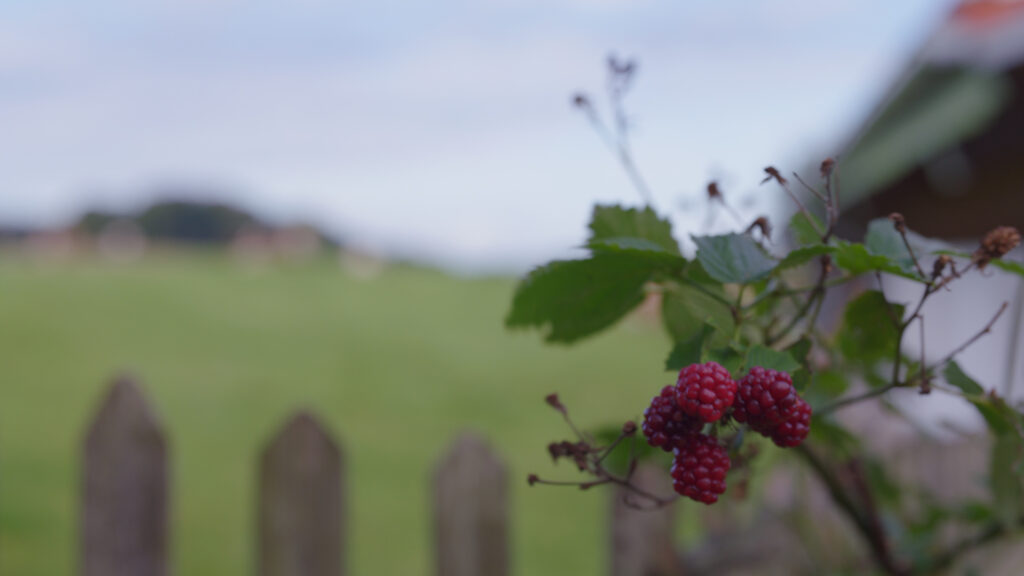
ARRI ALEXA MINI-LF clip – ACES (Rec.709)
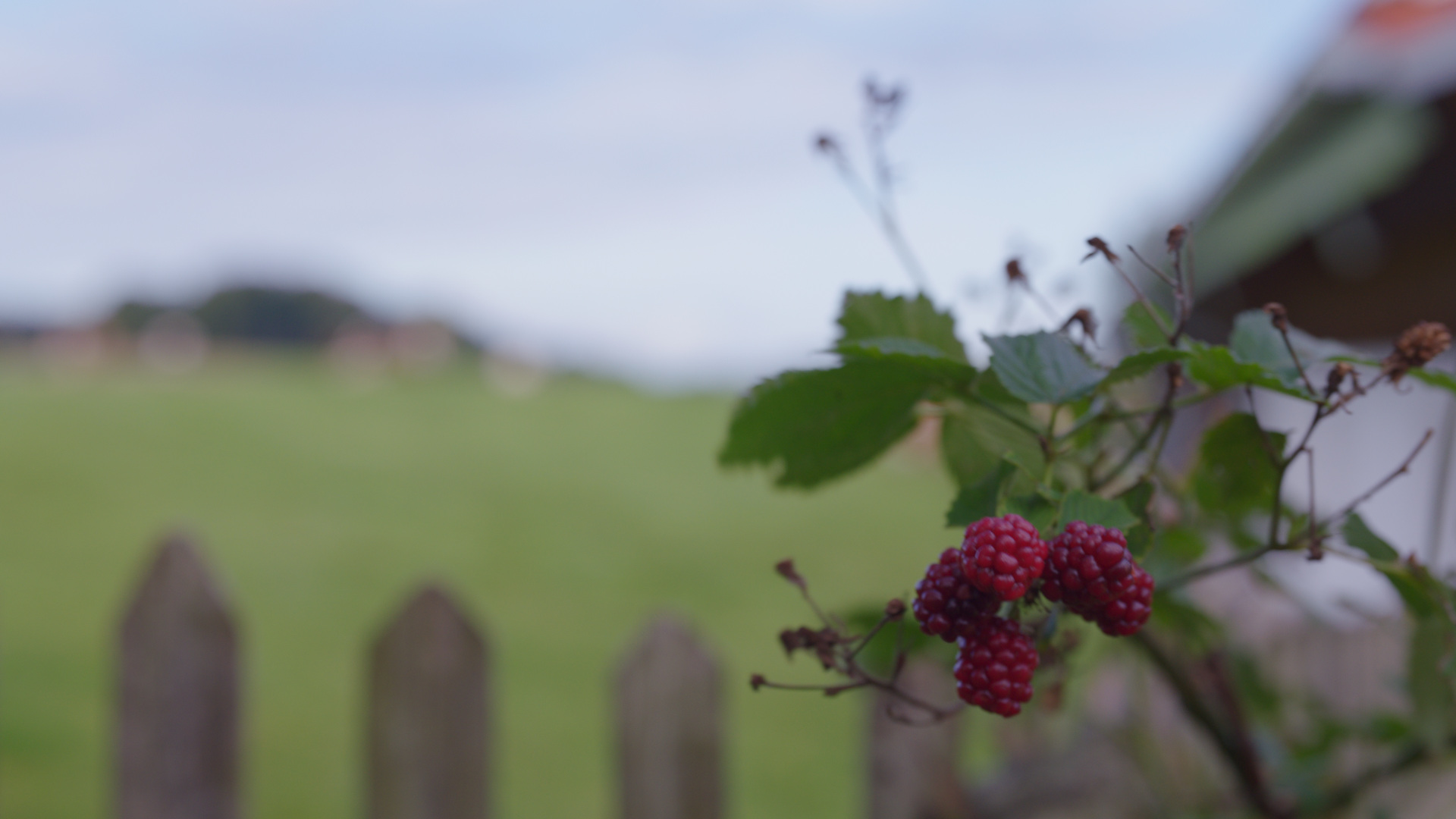
ARRI ALEXA MINI-LF clip – ACES (Rec.709) with 3D-LUT applied (generated in LogC)
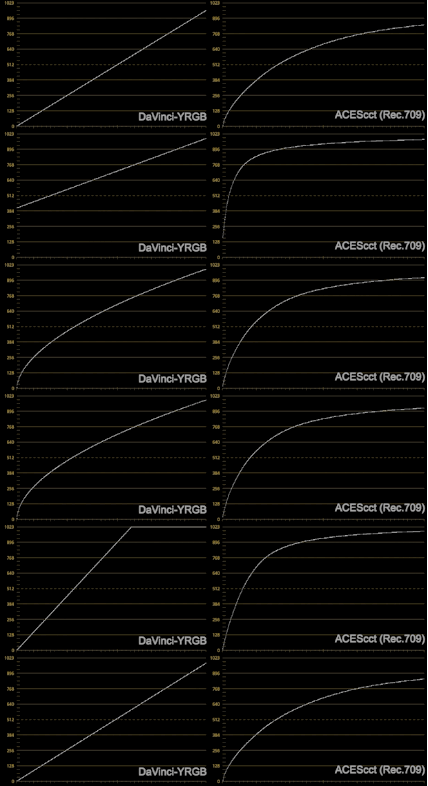
A look at Resolve and what the basic controls do to your image: without color management, when using a 3D-LUT and what changes when Resolve is switched to ACES.
I found out that I can link a HDR-Vimeo video here on the website and watch this HDR content on a iPhone (X or 11Pro) directly on the page when viewed with Safari. I don’t even have to be in the Vimeo App for that. I did not know that this is possible.
Sadly it doesn’t work on a iPad or MBP that support HDR as well. If the device doesn’t support HDR you will be presented with a down converted SDR version. Please note also that this page needs to be opened directly in Safari on iOS and not from within LinkedIn or Instagram.
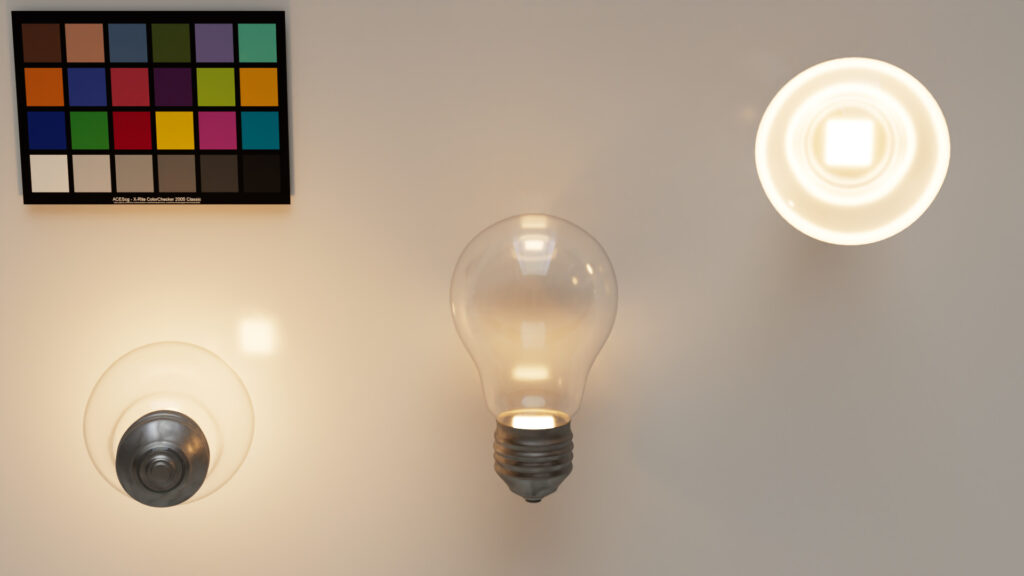
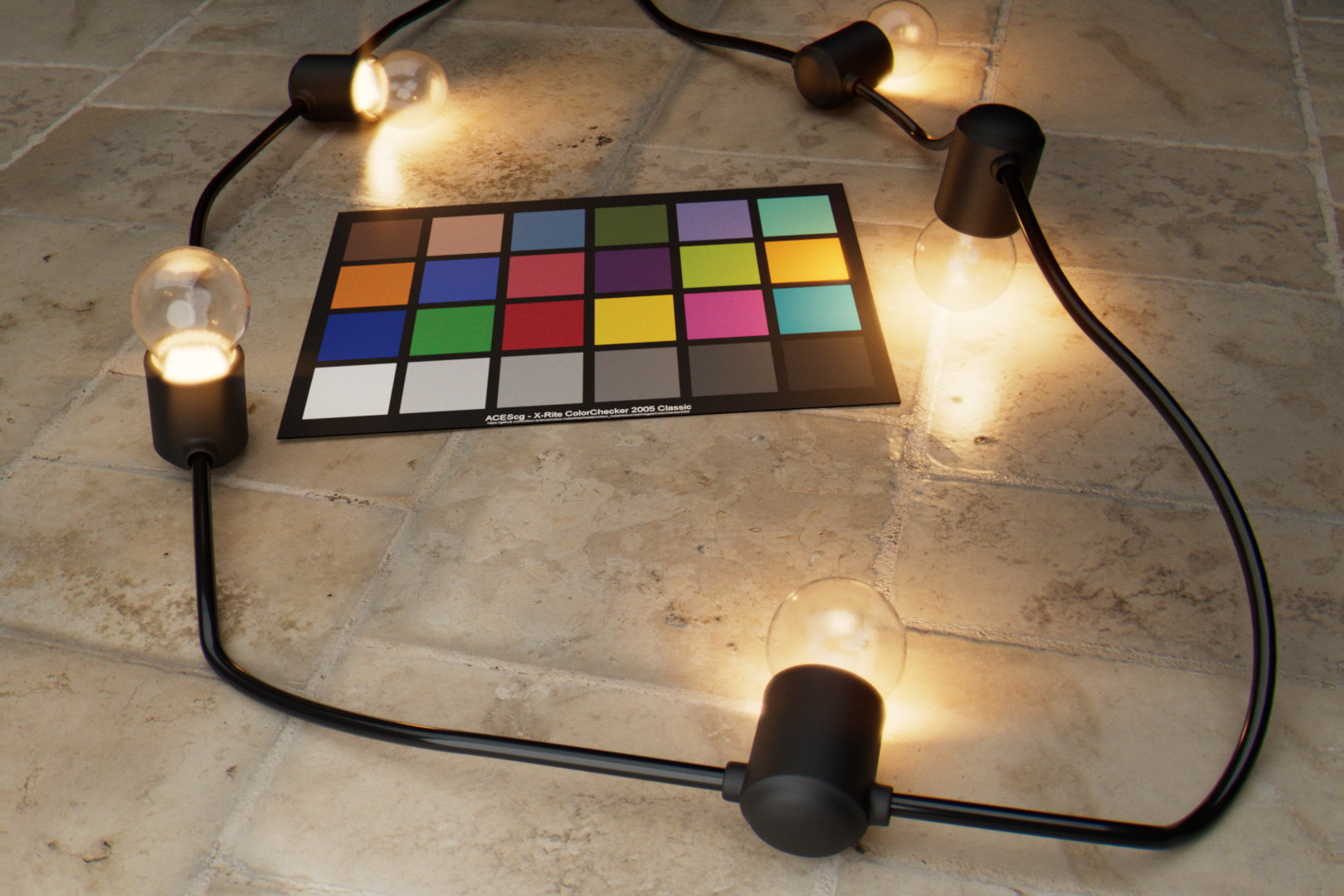
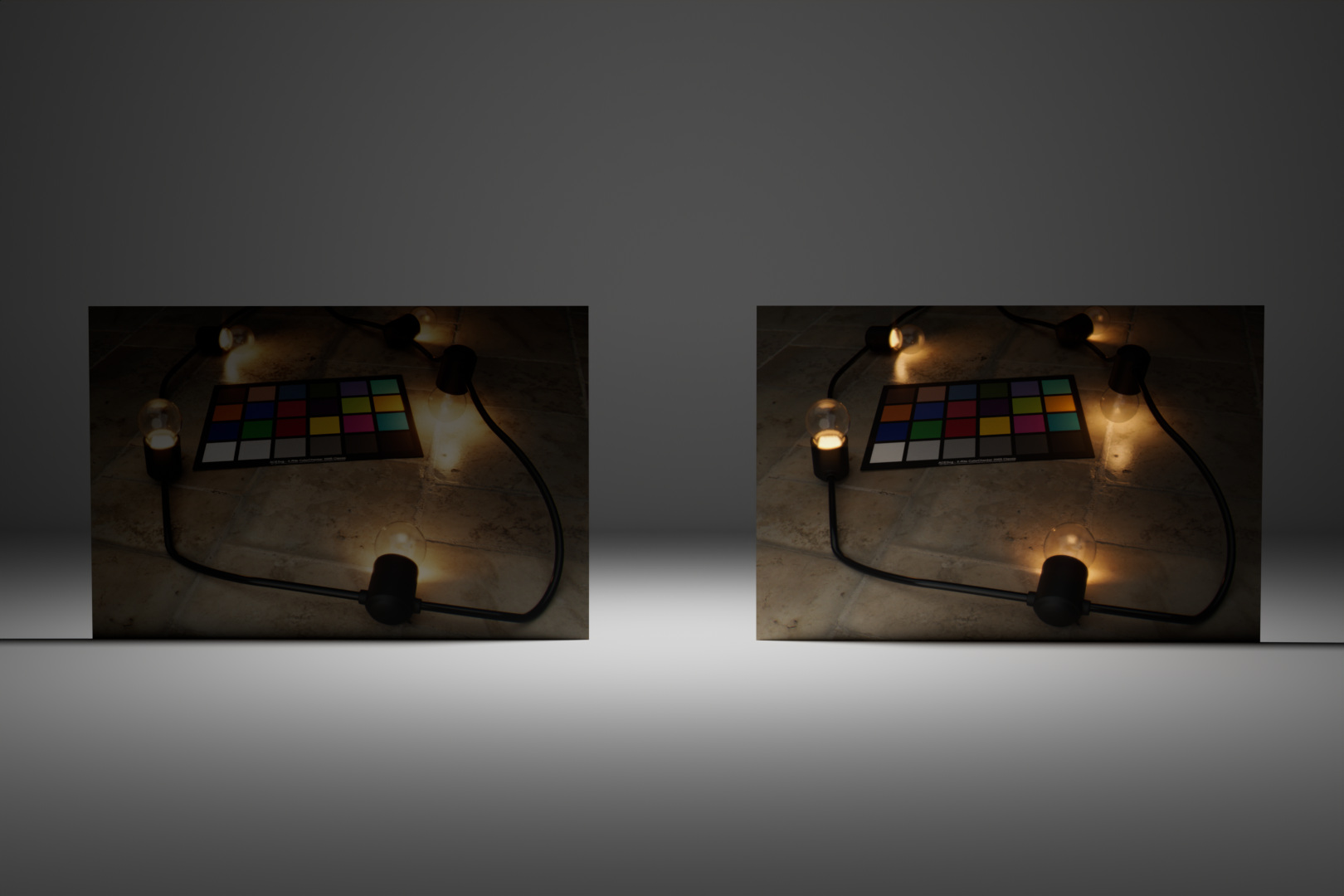
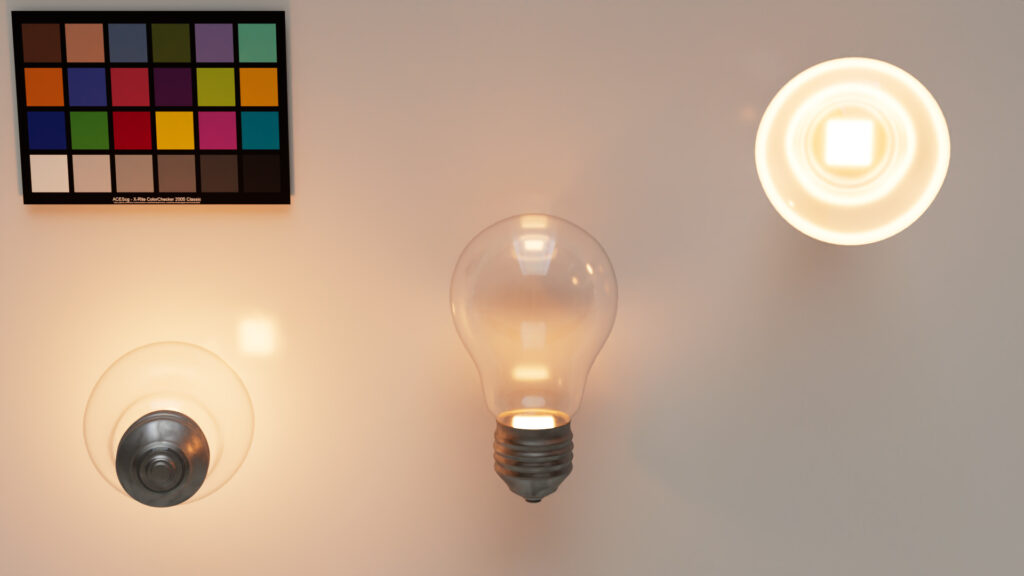
ACES Blackbody convertedACES blackbody convertedIf the HDR works for you, then you will see a big difference to these two images.
Converting a simple scene with some textures and a HDRI
Here comes another project that I wanted to check out and test. Can I take a very simple scene that I created in Blender out of the box and convert it to render it in ACES? For me it worked out smoothly in this case.
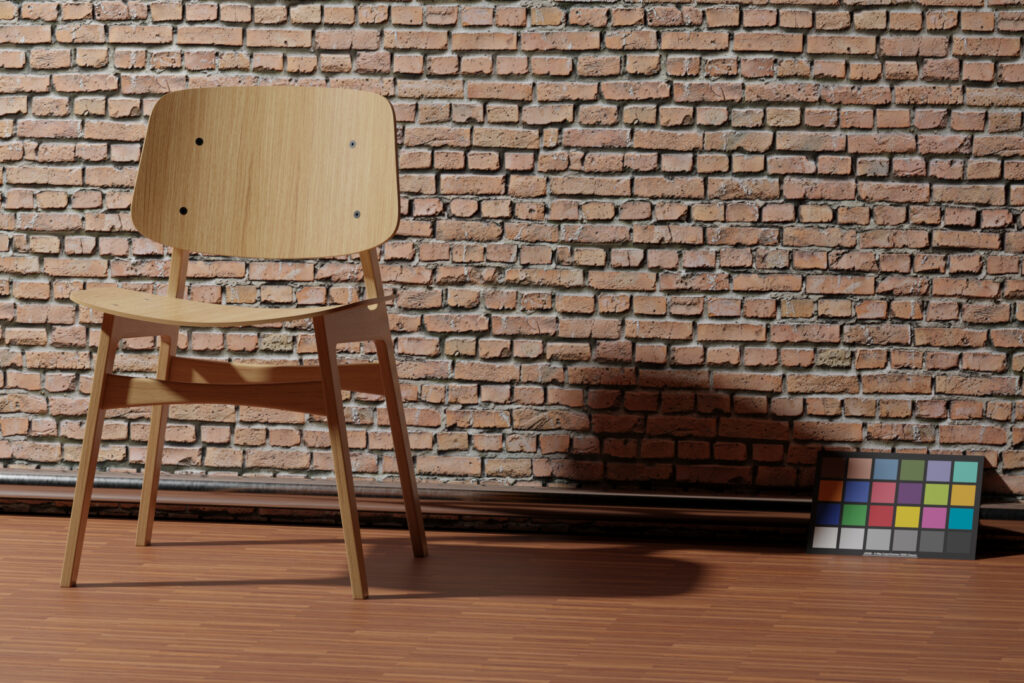
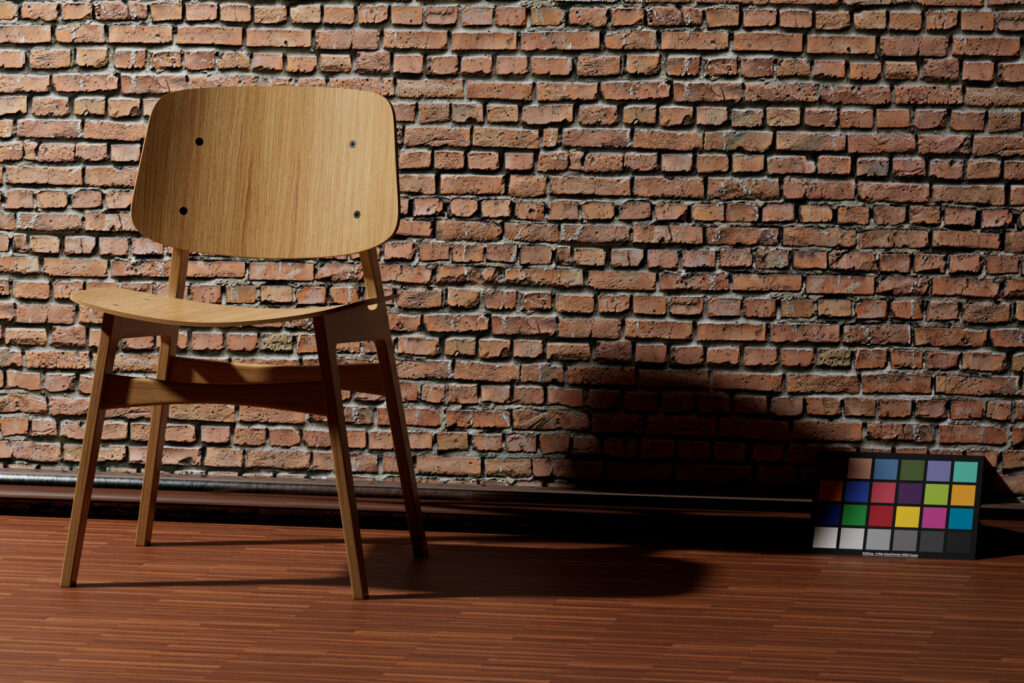
Filmic (Look None)
ACES sRGB
Same scene, different view transform.
I learned a lot on the way and I am happy to share the results. It can be also found in the menu Learning ACES: “1.9. FILMIC to ACES“
Limitations with version 2.83 and up to 2.90.3 alpha
Today (12th of May 2020) I filed a bug or limitation when working with 8-Bit textures in Blender that need a colorspace transform. So I added some notes of other limitations I ran into in the last weeks and months while exploring Blender & ACES:
All color images should be EXR files in the colorspace ACEScg – in this way they don’t need any colorspace transform inside Blender.
Colorspace transforms in Textures (Input – Generic – sRGB Texture) will result in imprecise or sometimes wrong results when the image texture is a 8-Bit file! (the transforms should happen in floating point precision)
Non-Color image texture files e.g. bump or normal maps need to have the color space set to “raw” (no gamut or gamma mapping) – then there is not problem when using JPG/PNG files
Blender misses an option to select the OCIO file in the preferences – at the moment you must set the OCIO environment variable before starting Blender.
The list of colorspaces are not sorted in categories like it is in Nuke for example. The list is so large and long you need a giant screen to see them all and be able to select one with is at the end of the list – as a workaround you can temporally scale down the Resolution Scale smaller than 1.0 in the Interface/Display Preferences.
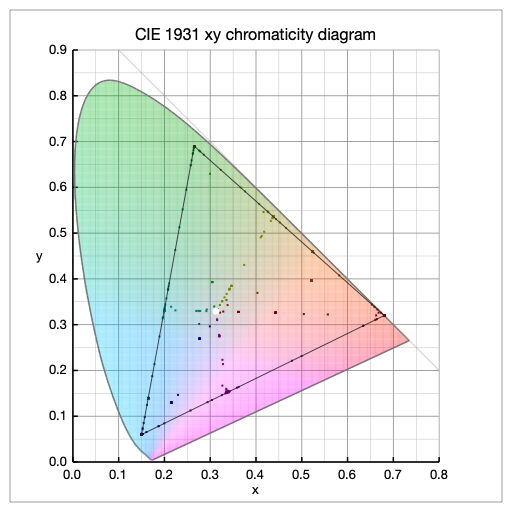
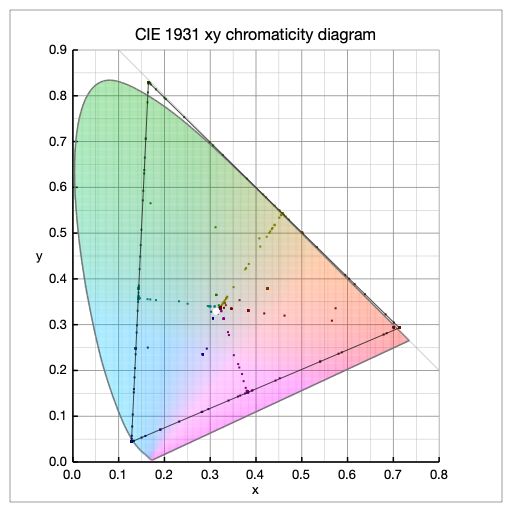
The Blackbody shader which doesn’t really works in ACEScg.
Blender & ACES: The blackbody shader on a LED bulb of 2700K shows a wrong result – the light is too red.Blender & ACES: Using a linear sRGB to ACEScg converted color value for the LED bulb – now the result looks right.
Go to the page for some more detailed information.