Here is a little “How-To” use Blender with a different OCIO config called AgX.
Here is a little “How-To” use Blender with a different OCIO config called AgX.
I like to store and share some links that I found interesting and useful in the last months. Here they are:
A new OCIO v2 config called AgX and a video explaining some of the ideas behind it.
Some interesting insights in DSLR camera native file or also called RAW files.
I watched this video 20 times, but I am still too dumb to repeat the same steps with a scan that I made with Scaniverse or PolyCam. One day I will hopefully understand the right workflow.
I bought the PDF to support the efforts from Grzegorz Baran.
I am happy to have finished another article that was long in the making. I even had to stop working on it and finished the article One scene – many images before. But somehow it made sense, because this article was still also in the middle of some thought processes.
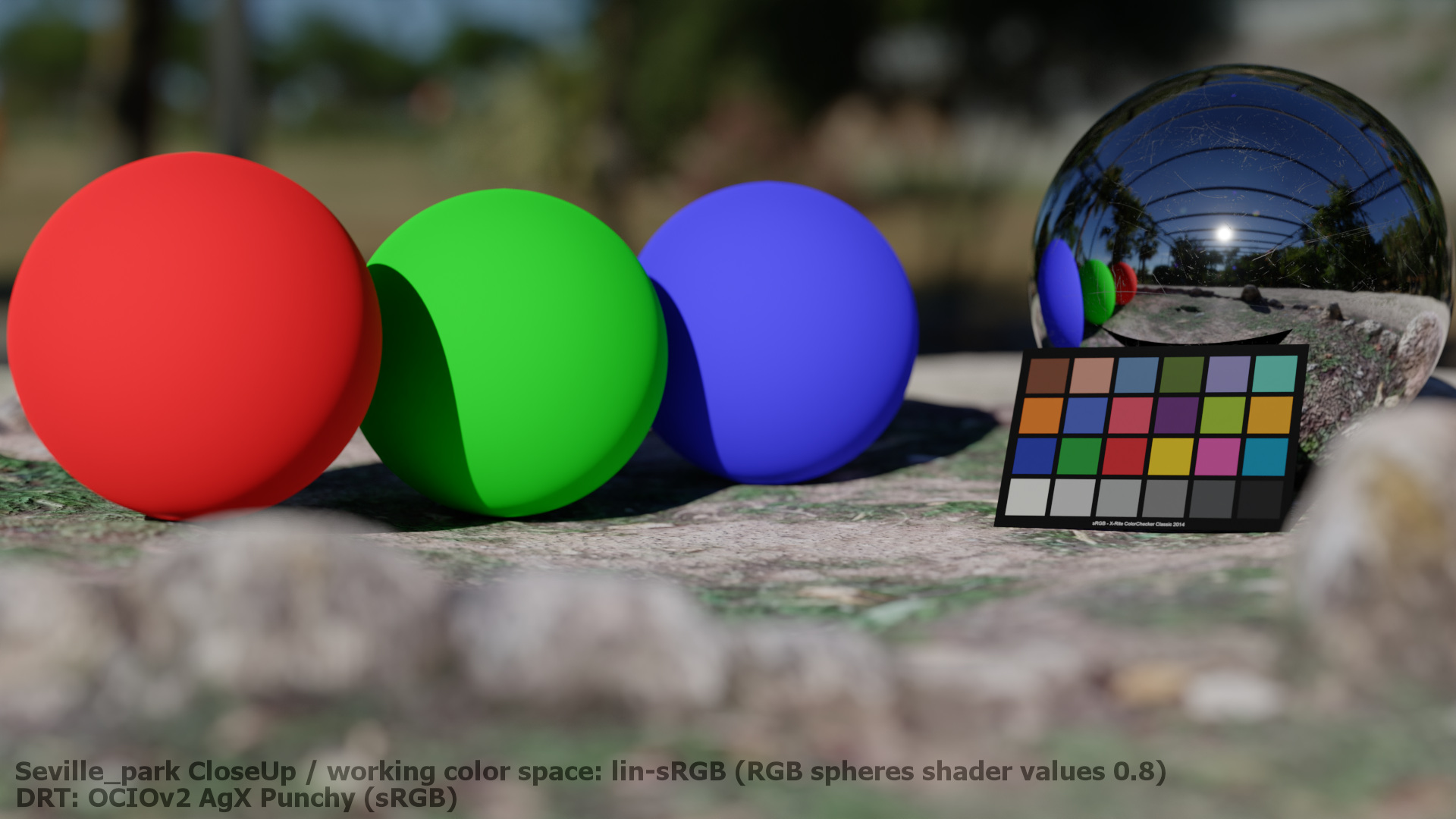
But here is now the new article “Working colourspace implications“. It is another lengthy article for the new section “Exploring (HDR) displays“.
The idea is always first to look from display output to the working colourspace. I try to use a well known colourspace with well known display related primaries first and then climb up to bigger and wider colourspaces and different display rendering transforms.
Please continue to read 3.6. Working Space implications.
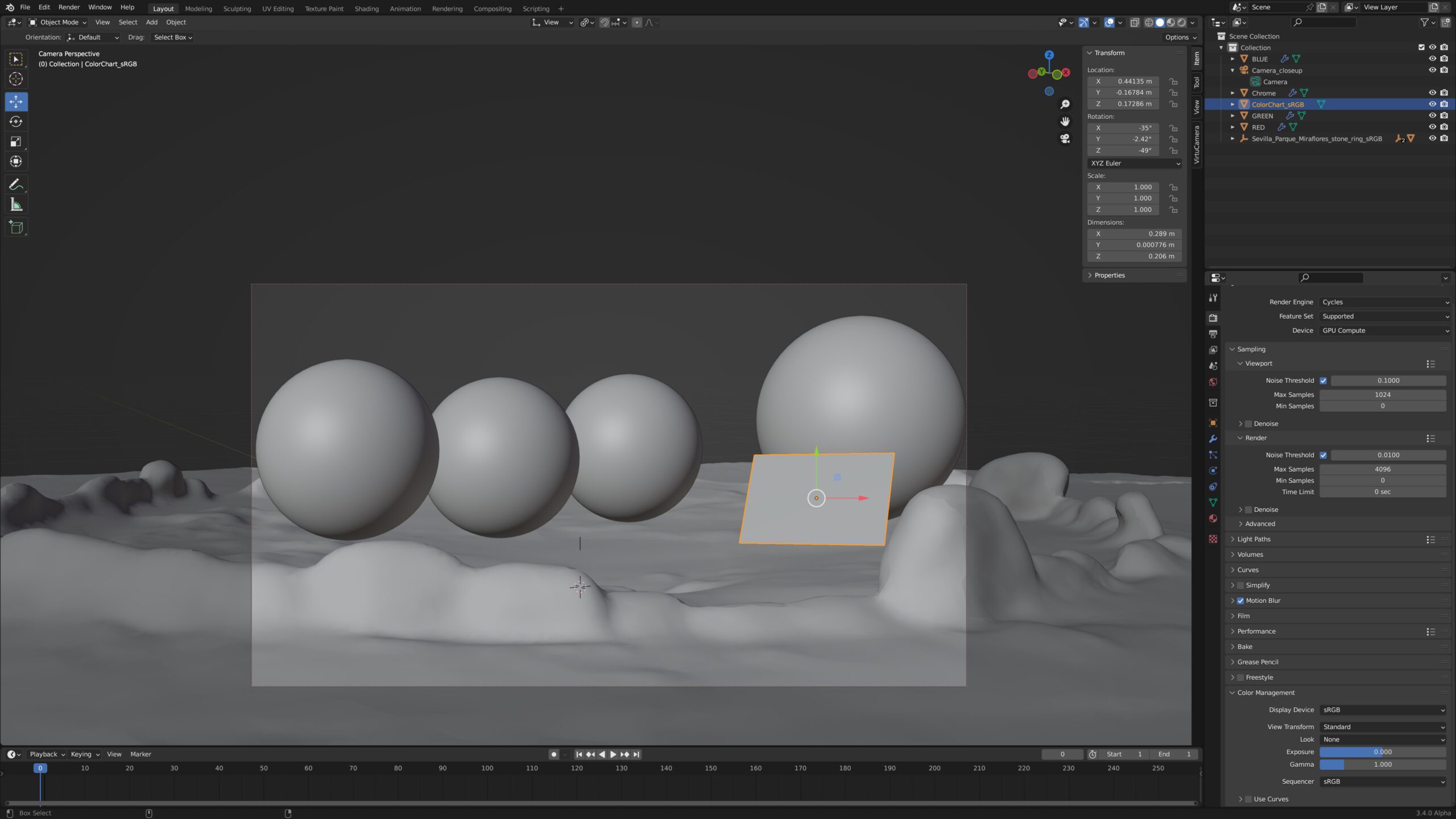
This evening I saw on ACESCentral.com that the download for OpenColorIO-Config-ACES 1.0.0 is available now. I updated the article Blender 3.4 alpha & OCIO v2 accordingly and I will start soon to do some tests in Blender and Nuke.
The ACES 1.2 release candidate is the last version that will be available for the OCIOv1 framework. Newer OCIO configs that support the OCIOv2 framework are at a pre-release state at the moment. I will try to stop using the OCIOv1 configs and switch over the OCIOv2 configs.
When you want to use the new OCIO configs in Nuke 13.2, please be aware that Nuke only can read the name…_ocio_v2.0.ocio configs. The name…_ocio_v2.1.ocio configs are not supported in this Nuke version, but Blender 3.5Alpha for example can read these configs.
Another new behaviour in Nuke is, that you cannot set an output transform in the write node unless you alter the OCIO config by yourself. Output or view transforms are missing in the write node. The workaround is to use a OCIODisplay node at the end of the nuke script and write out the files with a write node that is set to “raw data”.
That is a very bad implementation at the moment in Nuke, because as soon as you view the OCIODisplay node, the viewer itself needs to be set to “raw” as well, otherwise the view transform will be applied twice.
The issue is discussed here. I assume this will be addressed in the upcoming Nuke 14 release.
In the upcoming weeks there should be coming the MacOS Ventura and the iPad 16.1 releases. Of course I will do some HDR tests once the updates are available.
In the meantime I cleaned up the subdomain hdr.toodee.de and the HDR-Gallery pages. Some of the information was already outdated and I re-ordered the example clips to declutter the pages a bit.
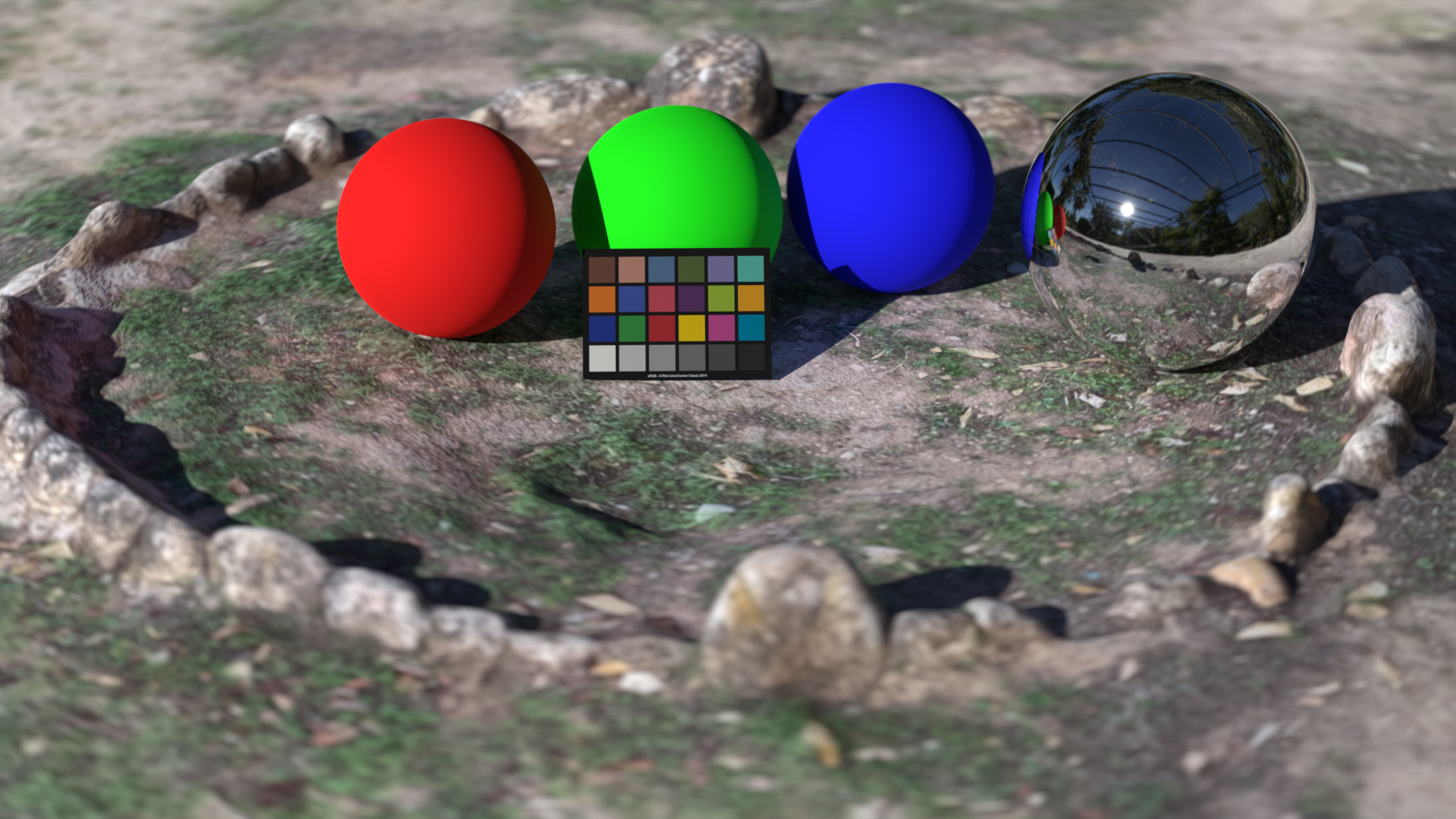
Beginning of this summer I started an article, but somehow it was never finished. I added lots of images, but the context was missing. Now I revisited the article and finished it up.
I took just one simple rendering from Blender and viewed it through many view transforms including the three candidates for ACES 2.0, both in SDR and HDR.
Please continue reading: One Scene – many images



I think I can finish looking at this image for a while now. I finished part four of a series of blog post that I thought would fit into one post initially. But the deeper I peeked into the issues with this image, the longer it took to finish the articles. Here is an overview of all four articles.
Blender 3.2 is out and has a lot of new features. One of them is the color space override in the Scene/Output section. This was a good opportunity to test out a little scene that I have set up. So you could view the left image in Blender …
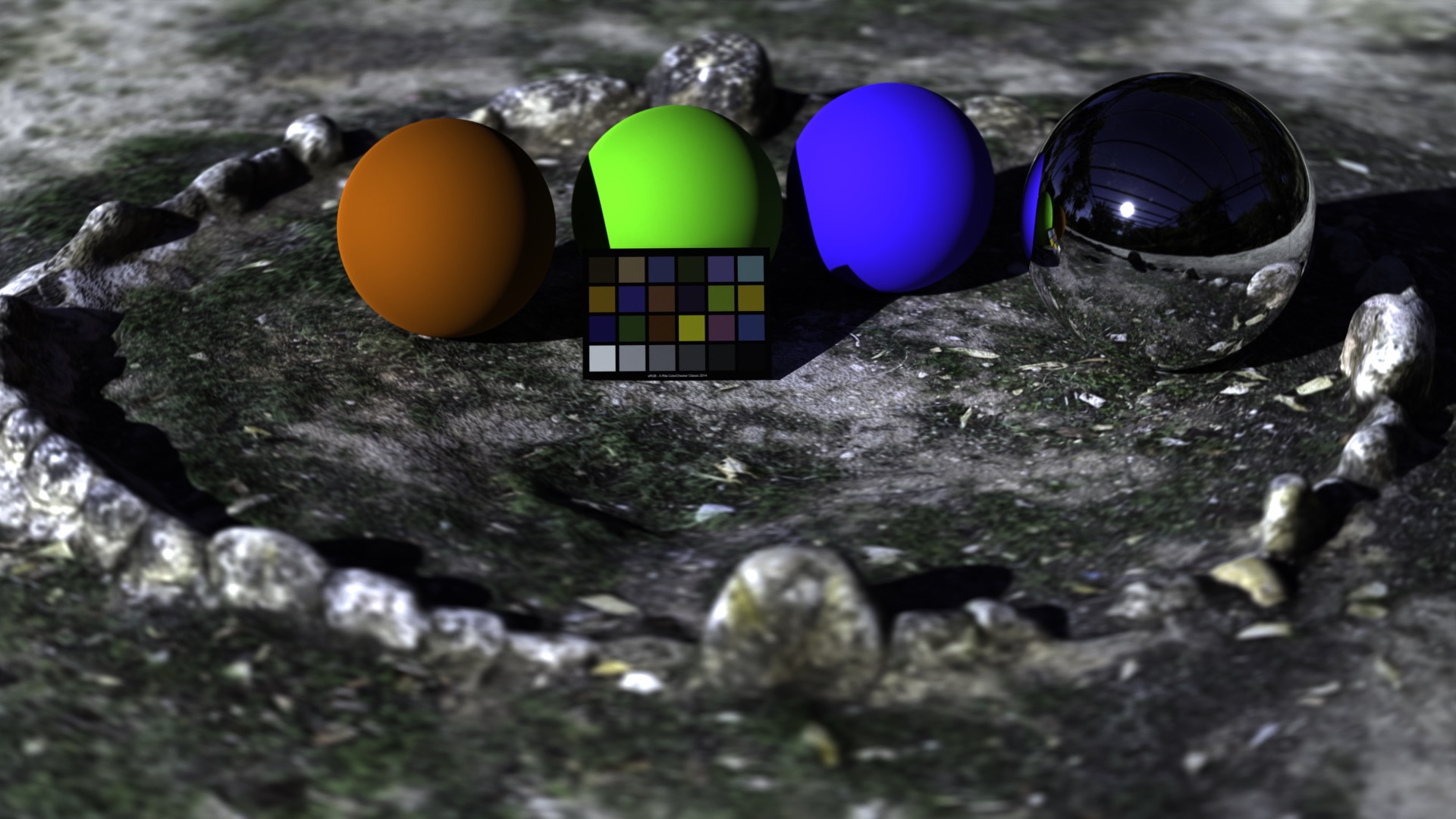
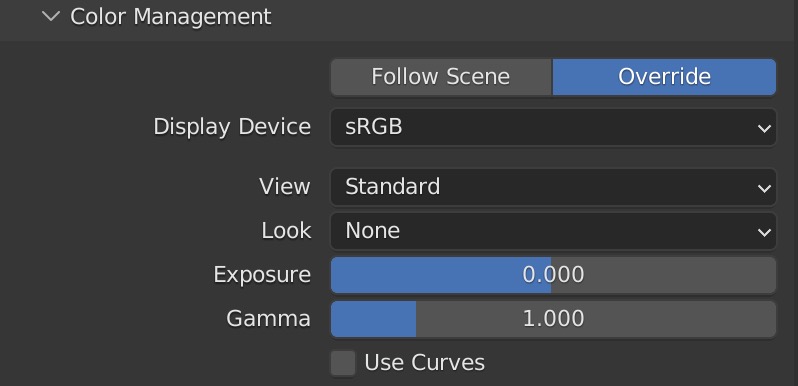
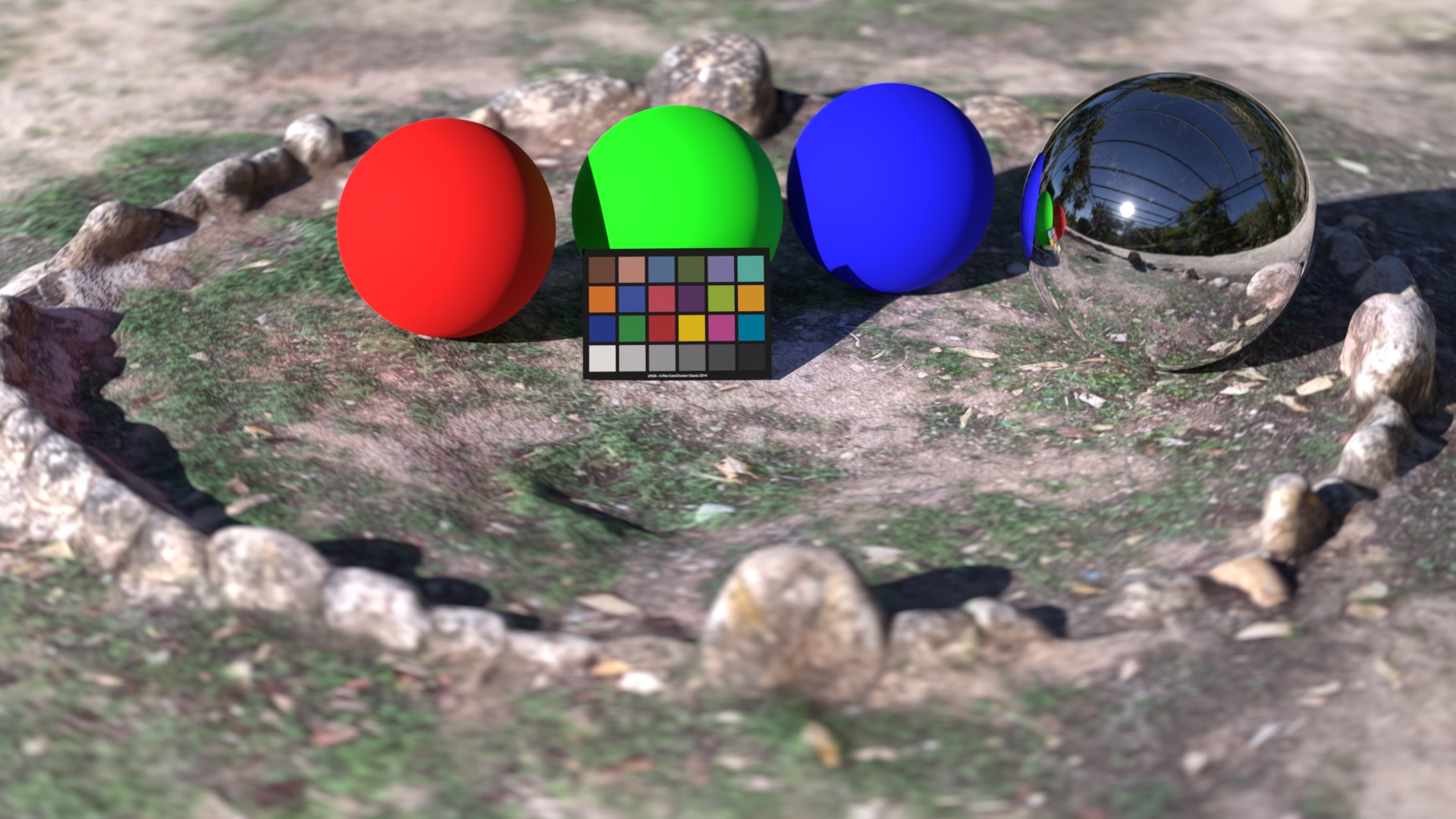
…but actually render out the right image. This is a stupid example, but it’s getting more interesting when rendering EXR files. Please read the Blender 3.2 render colorspace overrides for more information.
Plus a follow up article rendering a close-up of the same scene and taking a closer look at different display rendering transform (DRT) options:
One Scene – many images
Happy new 2022! In my WordPress site I have several topics that I started in 2021 but I was not able to finish. I am looking forward to present them hopefully in the near future.
The new topics are not directly related to ACES, that’s why I created a new section called “Exploring HDR displays” on this WordPress site.
One article, at least a first part, I am able to present today. The blurry red star on a cyan background. Since I read the blog from Troy Sobotka I got fascinated with this image. The top image shows how it should look and the second image shows how it looks far too often when you try to recreate this image for yourself.


Dig in into “Understanding pixel values and the EOTF“.
got a small update. With the new versions of the operation systems MacOS Monterey and iOS 15 I need to check again on which devices HDR is supported. There are some strange changes.
For example I could always show my demo files on the iPhone 11 Pro. Now I got a new iPhone 13 Pro and the same page does not work anymore.
I also got the new M1 MBP with an XDR display, so I decided to update the subdomain hdr.toodee.de with some more detailed information on which device and with which browser or app this page actually works as intended.
Check out the updated page on hdr.toodee.de.