Brylka – TooDee – PanicPost

Category: Nerd stuff

  • Blender & ACES update

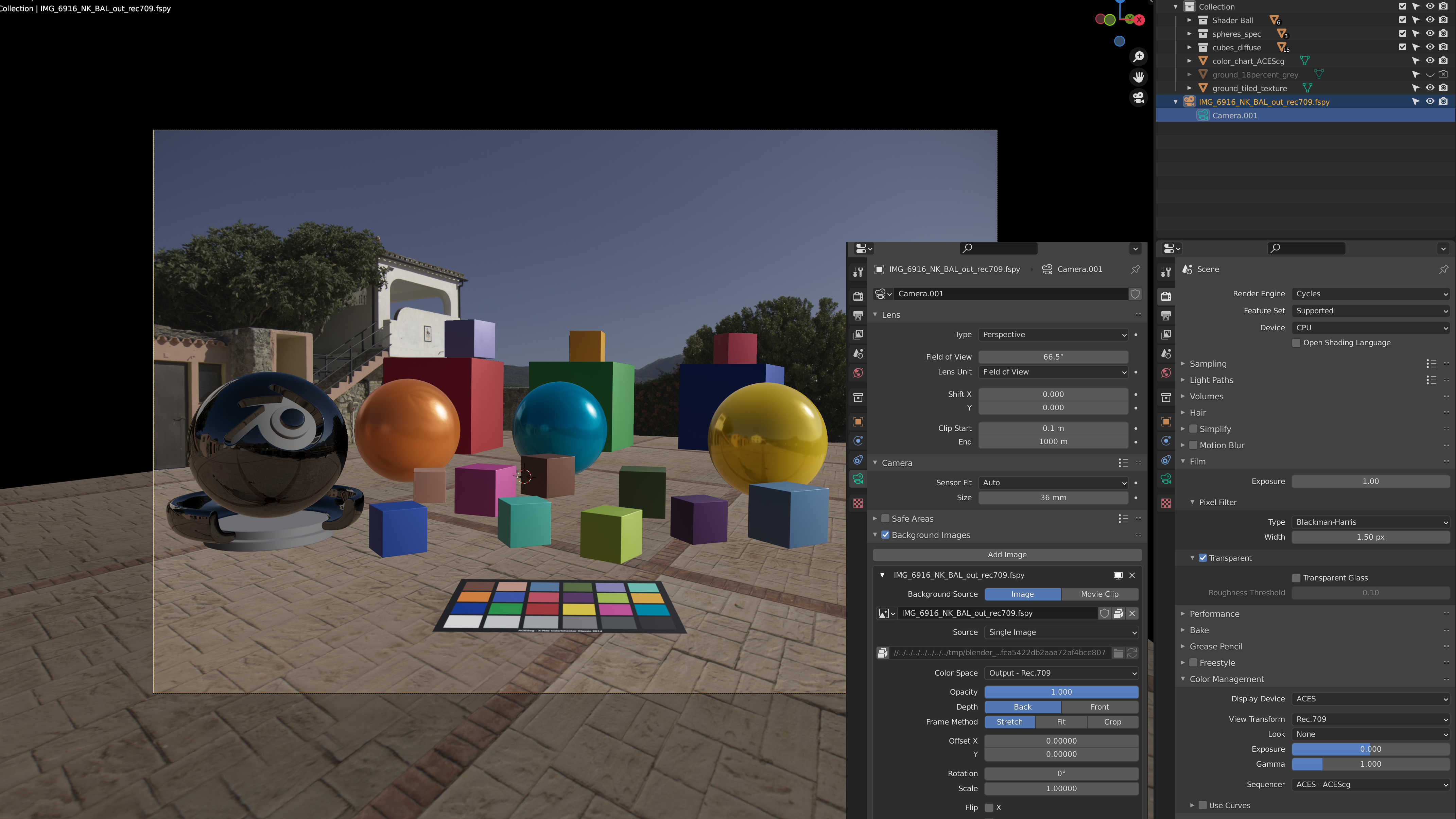
    Blender 2.93 and ACES 1.2 – Update of the setup page

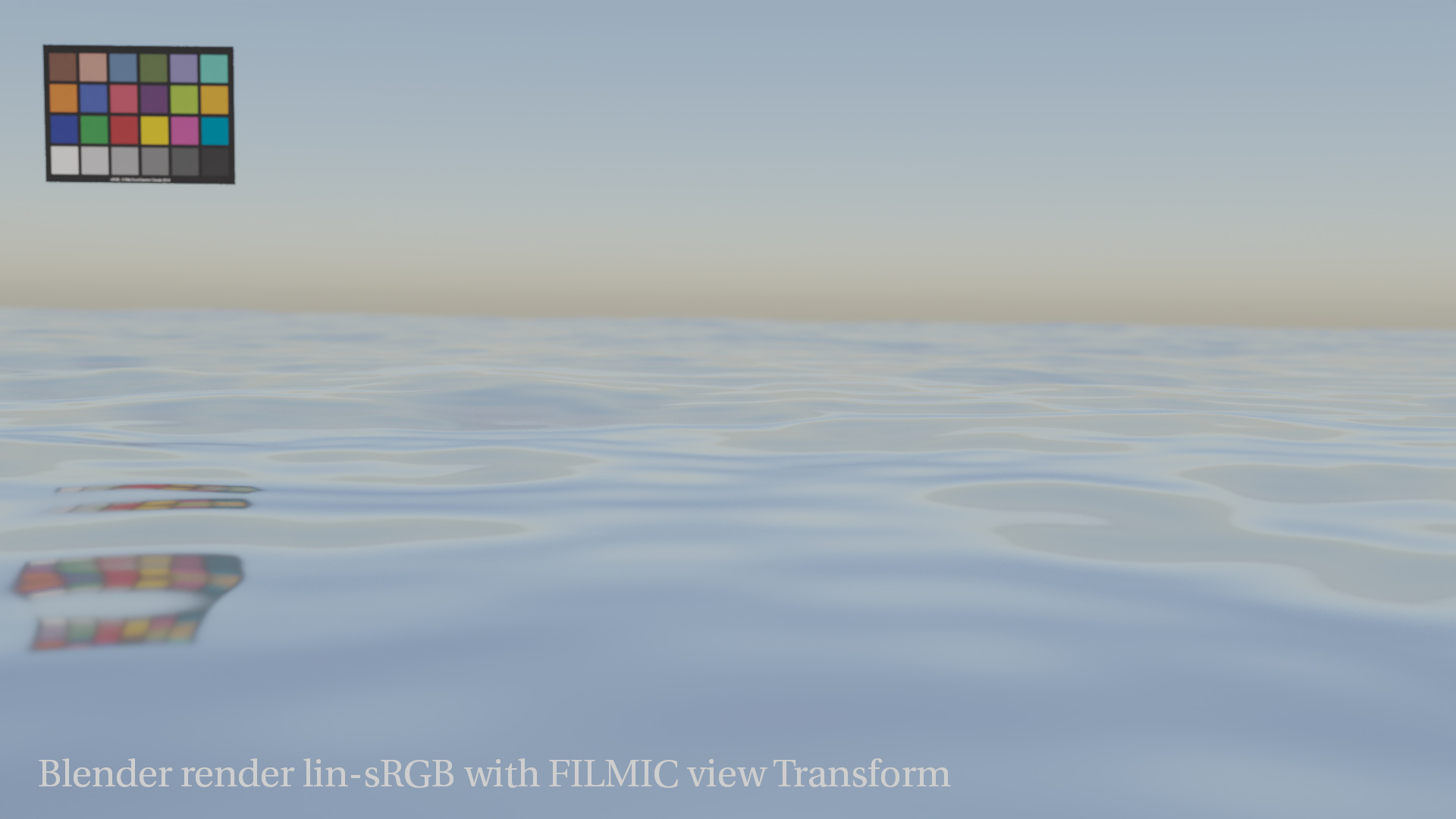
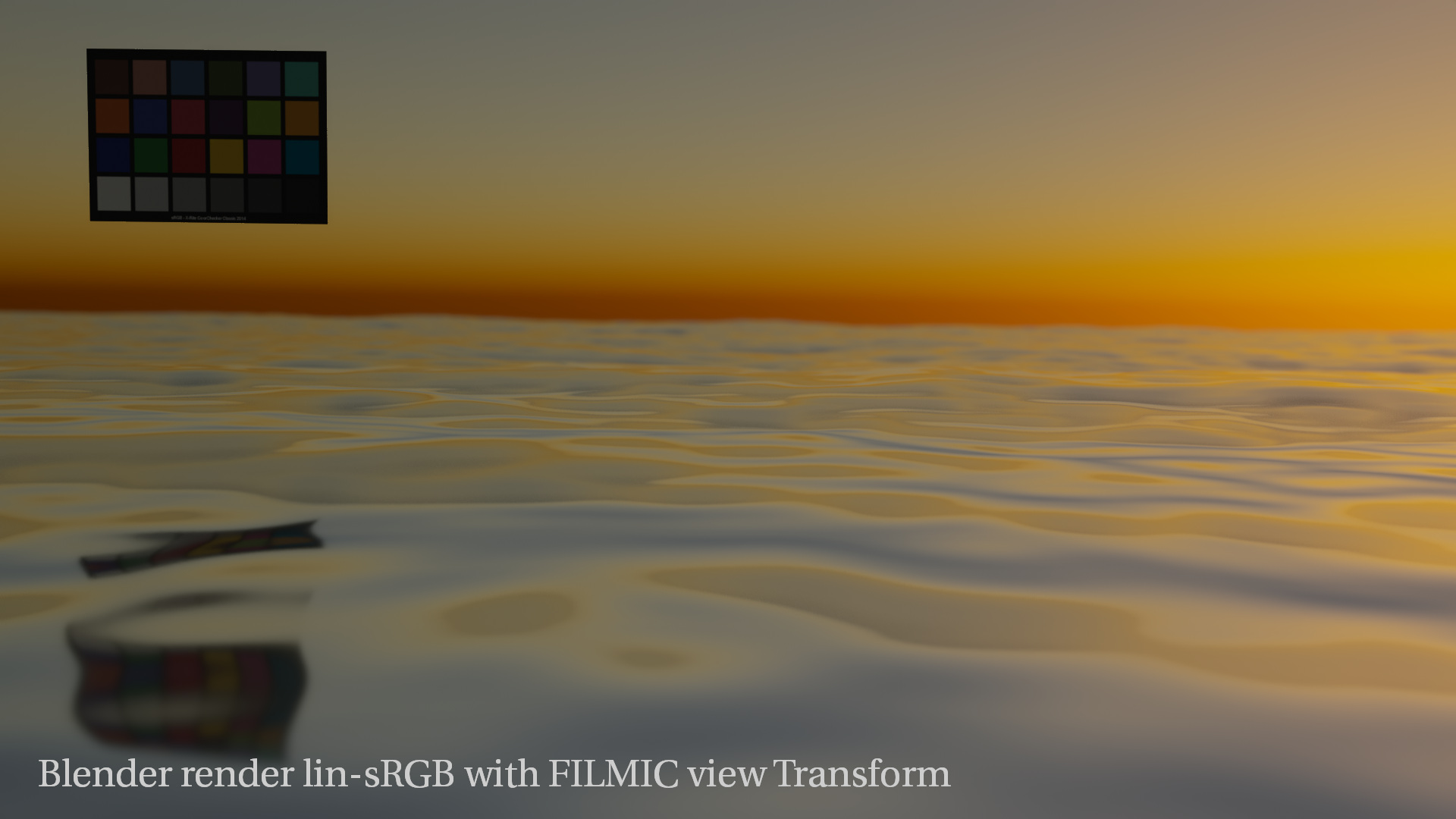
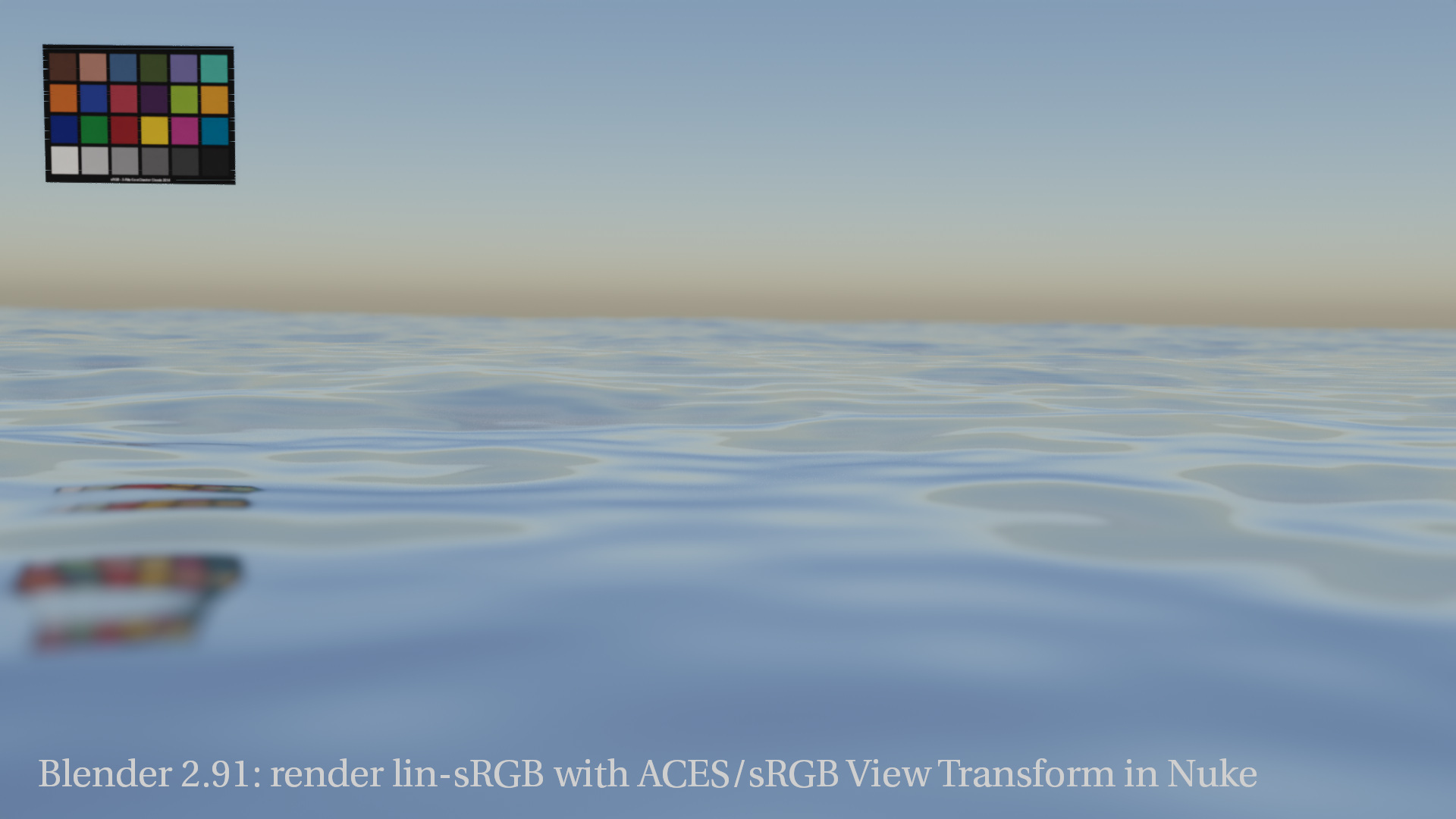
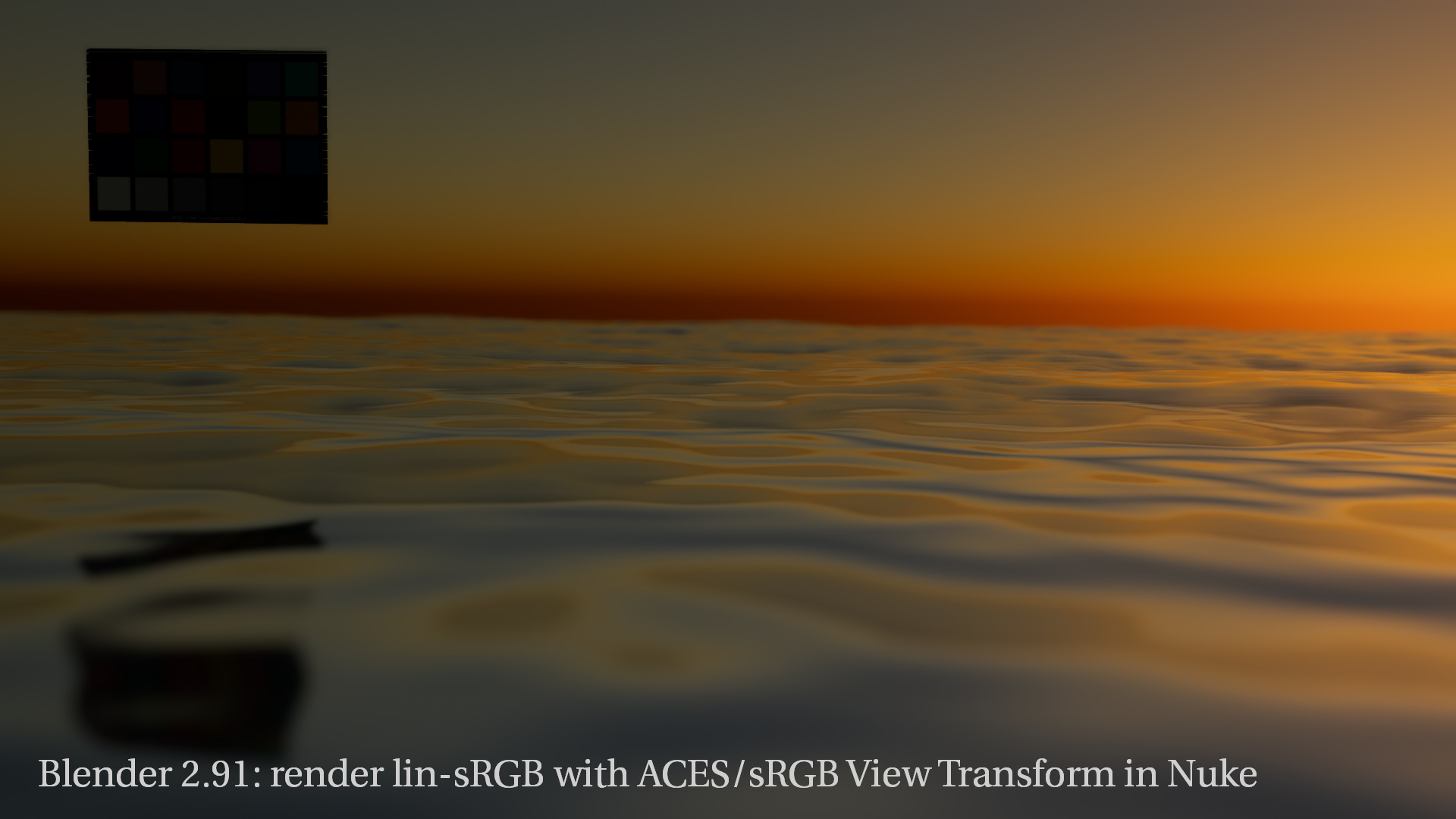
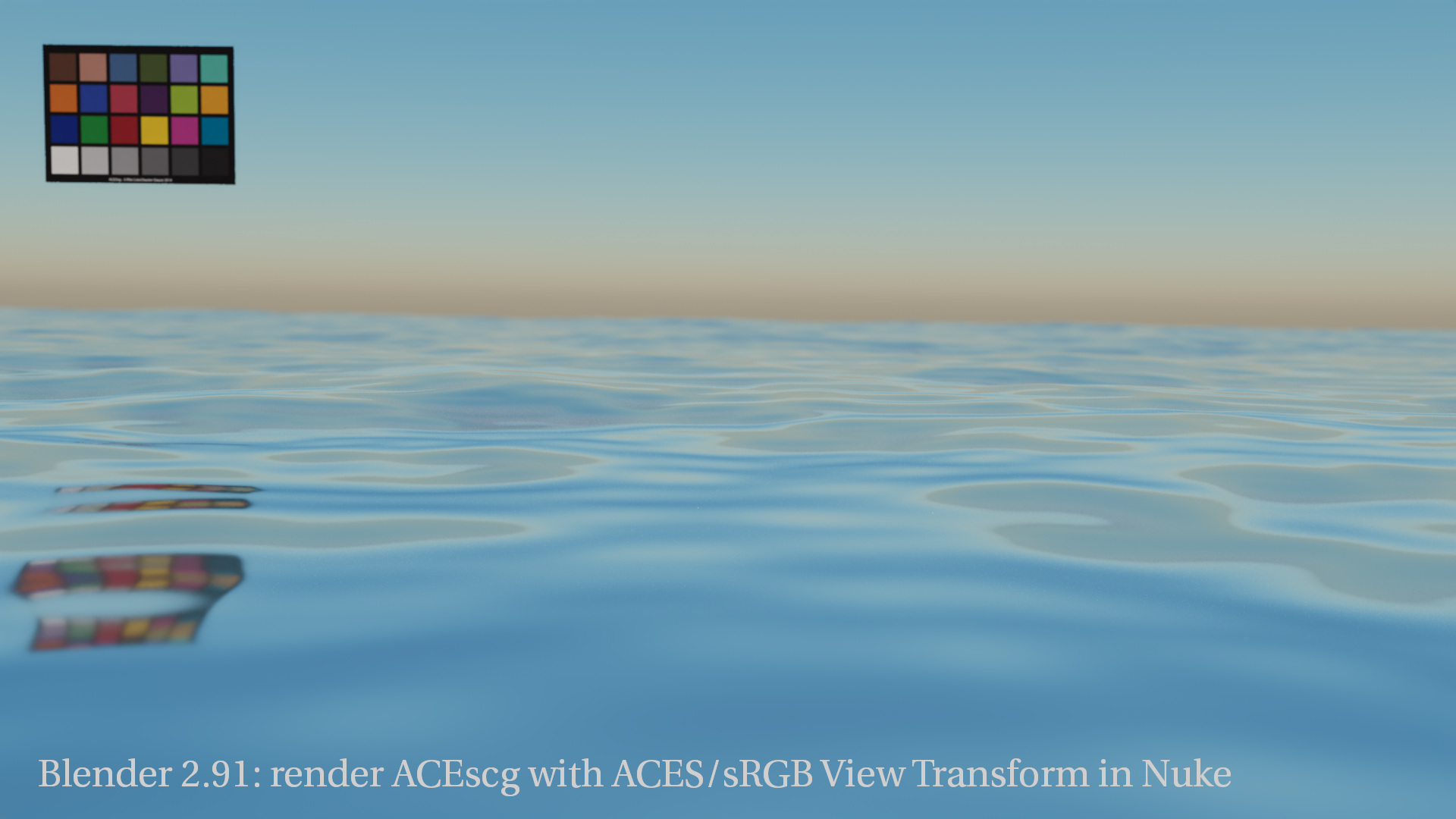
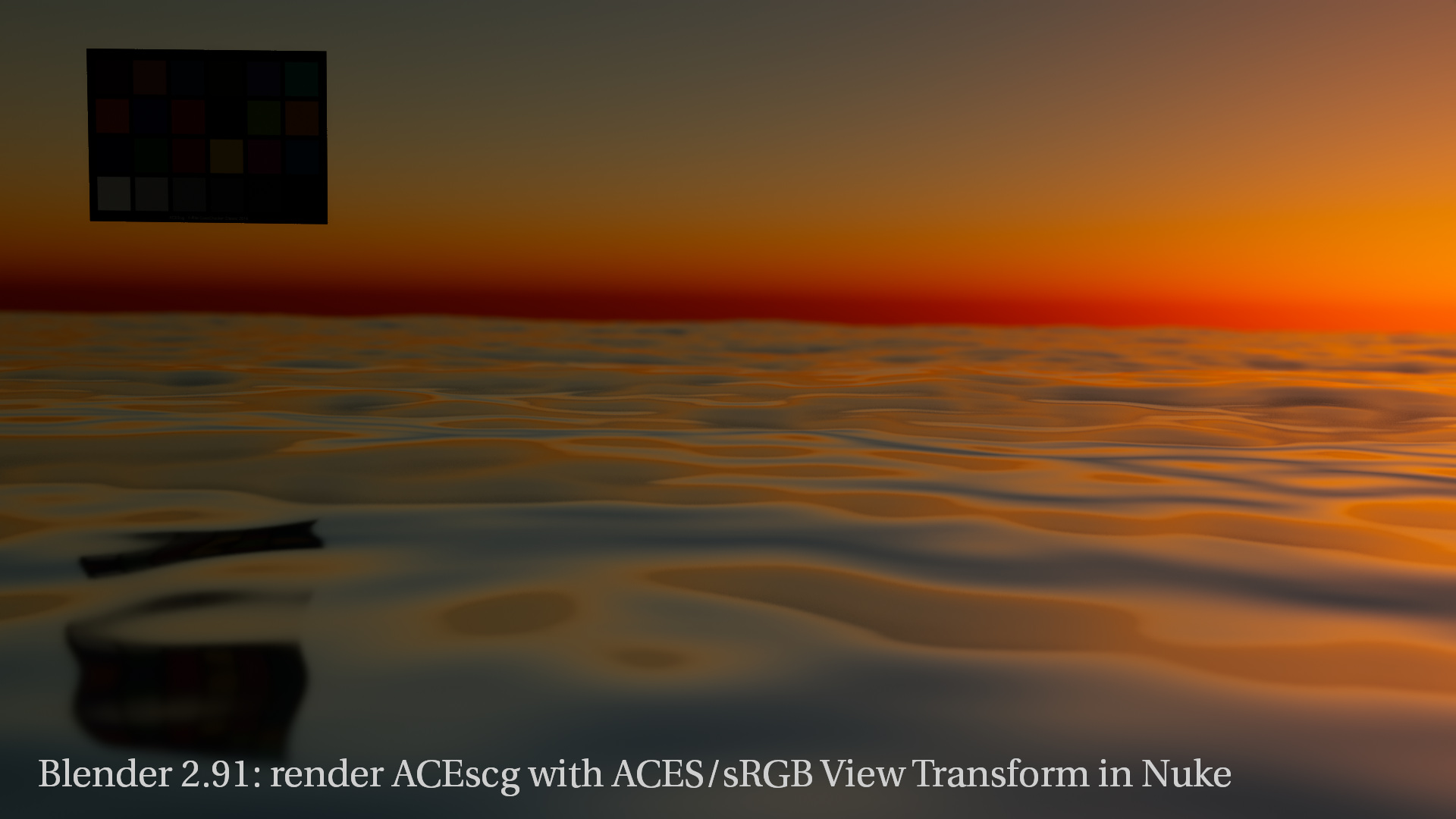
    It was time to update the Blender & ACES page. The blender development is so fast and new versions are coming out more frequent now. I try to check old bugs and limitations from time to time. That’s why I rendered some images again with the new version and restructured the setup page for Blender & ACES.

    Blender 2.93 and ACES 1.2
    and the same clip from YouTube. This clip shows HDR only directly in the YouTube app for some reason.
  • Photoshop & ACES

    Photoshop and ACES are not easy to bring together. Photoshop is a display referred tool while the ACES framework uses a scene referred approach. On many projects I am using Photoshop for retouch and cleanup work of still images while the comp is happening in ACES with Nuke or Flame.

    A convenient way is to use the Photoshop Proof Setup as a view transform while retouching log encoded images.

    https://vimeo.com/526013406
    A short clip in HDR, graded from the original source in FCPX.
    https://vimeo.com/526838505
    A small before and after dissolve of the example project of the second article.
    And the same clip as a 9×16 version, also as a HDR version.

  • Resolve Studio HDR tests

    Why can’t I see a proper HDR preview on an iMac2020/MBP2018 UI screen? In FCPX this is possible.

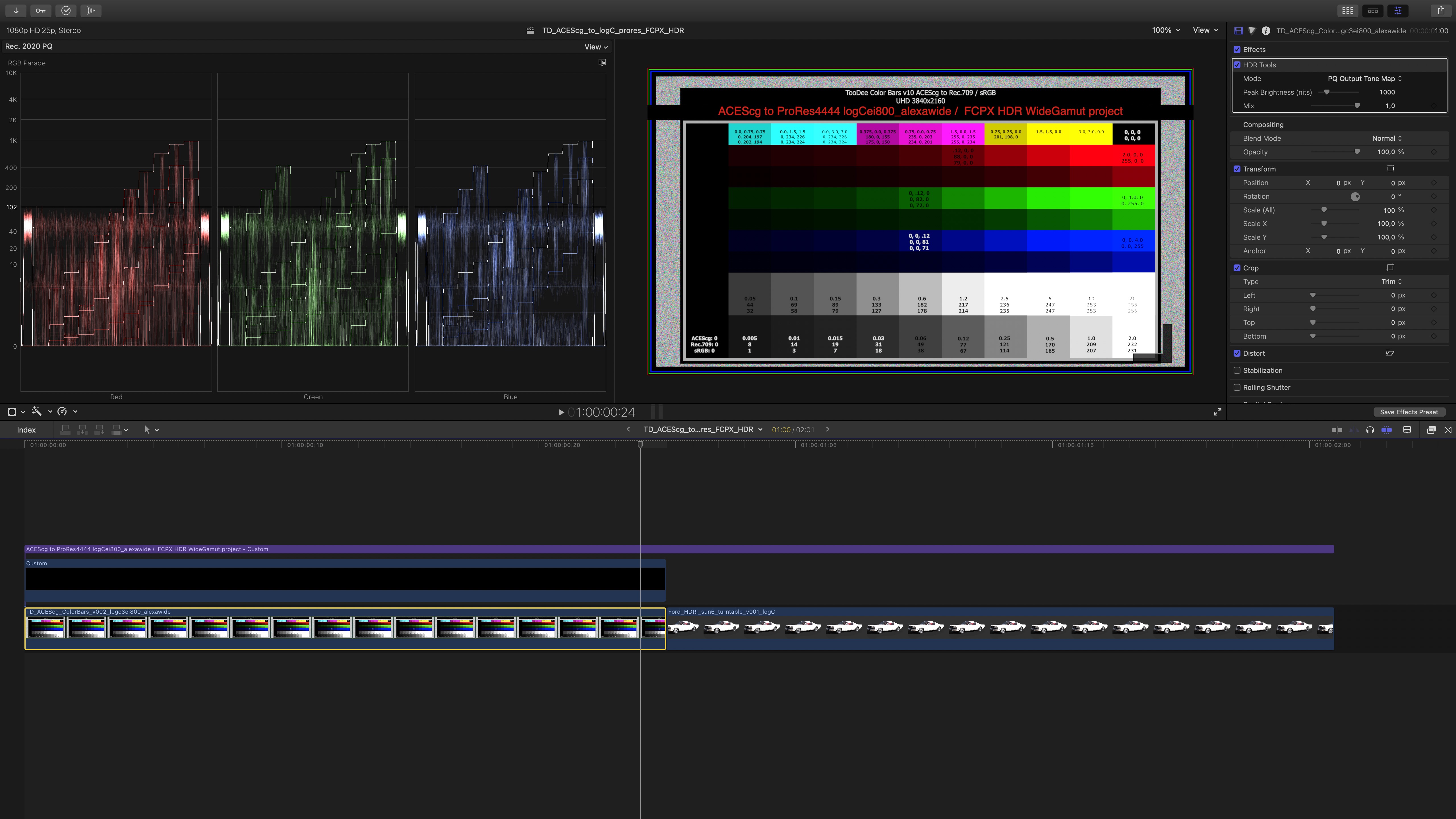
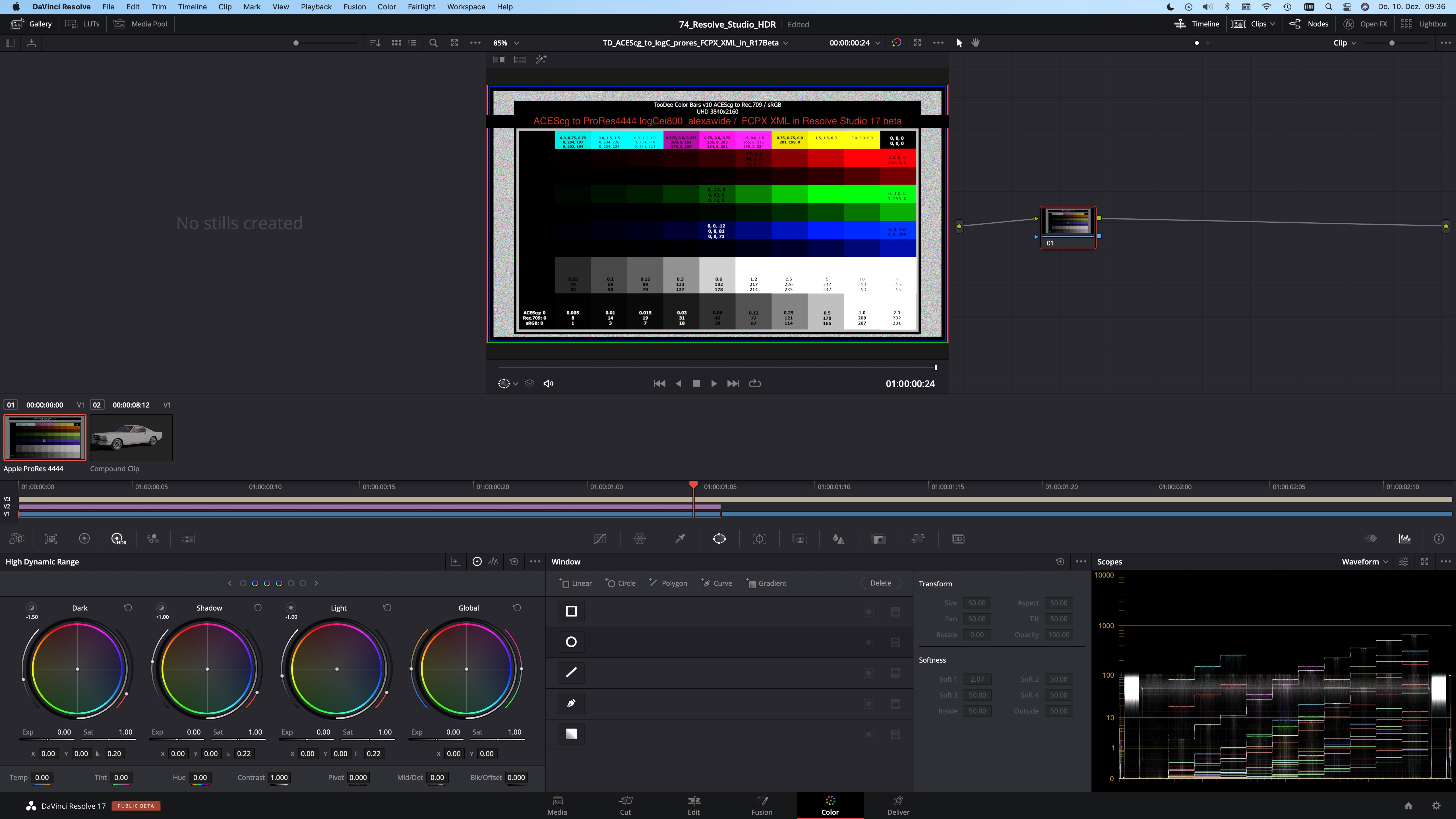
    For some time now I am testing with HDR content in FCPX and Resolve Studio. FCPX works best for me with Alexa LogC material in HDR/WideGamut projects. In Resolve I set the project to ACES 1.1 and use the ST-2084 (1.000Nits P3D65limited) ODT for the tests.

    Seeing HDR content in FCPX and review the exported ProRes444 files works the same convenient as with SDR footage. What you see inside FCPX is the same as in the Quicktime player.

    In Resolve Studio (both V16&V17beta) this is a different story. I can also get a HDR preview in the Resolve UI, but it is vastly to bright. I can’ judge anything here. The exported result as a ProRes 444 however looks very similar to the FCPX output. I am aware that I am comparing two different color management systems and different HDR tone mapping curves.

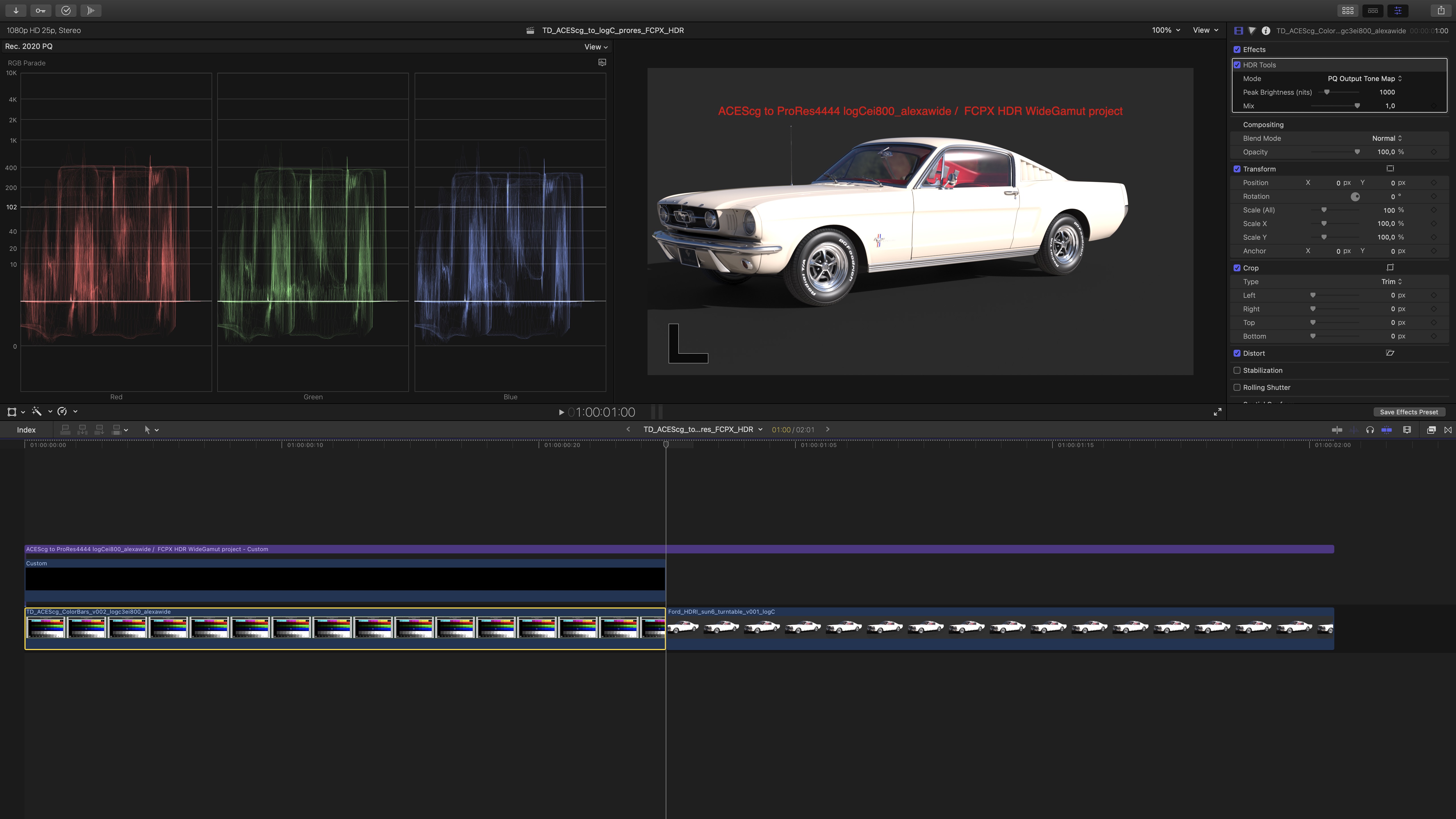
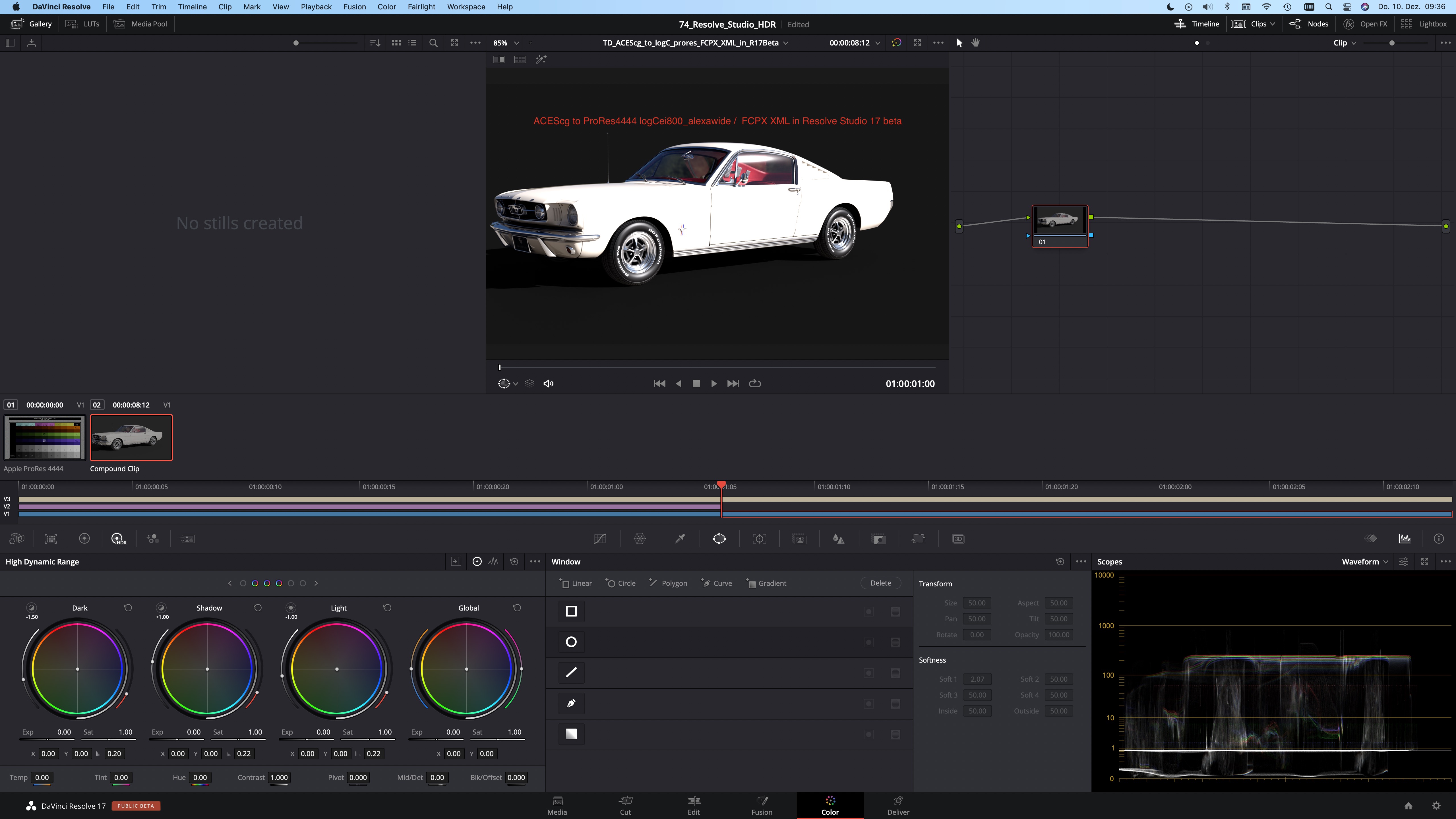
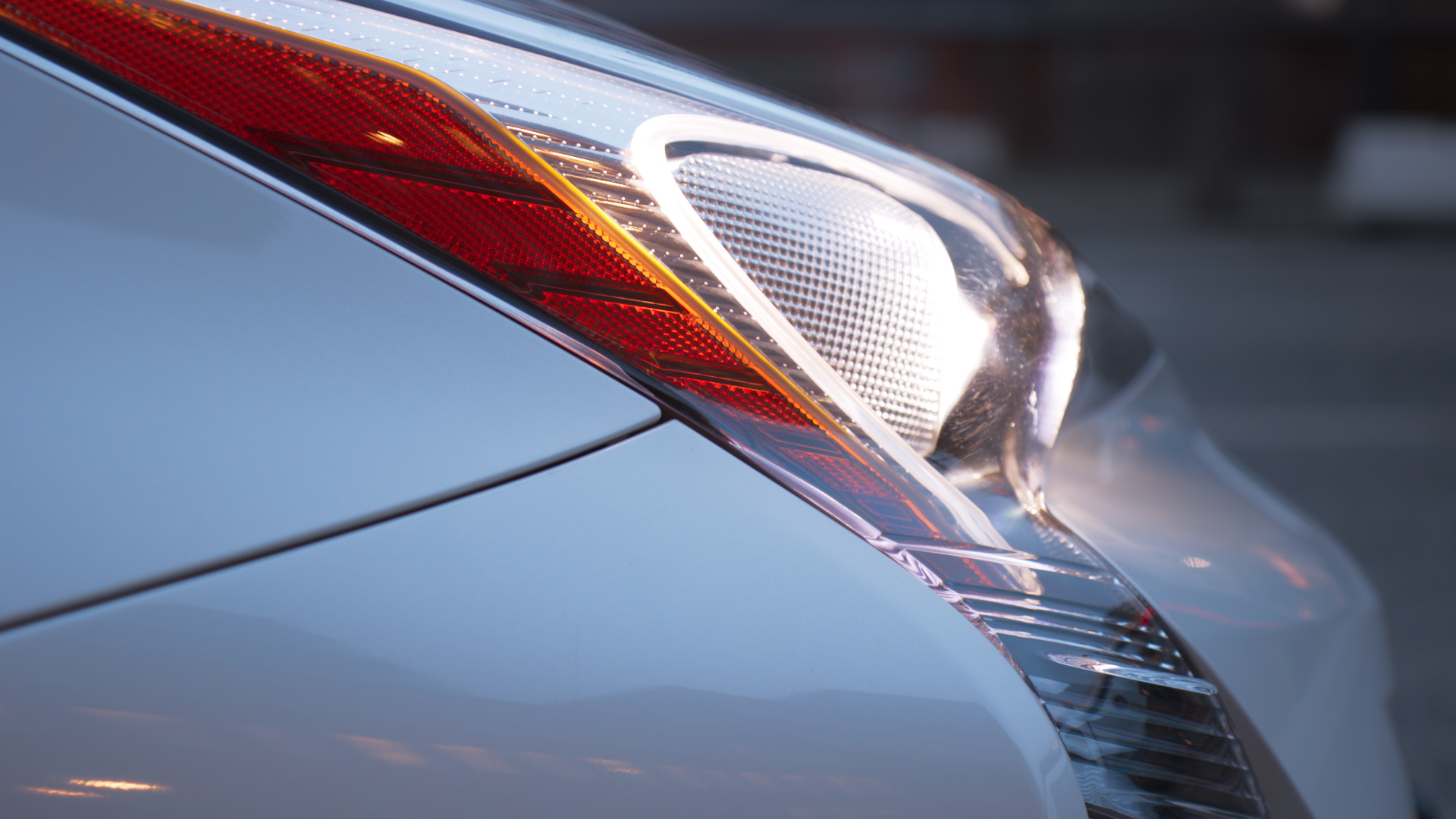
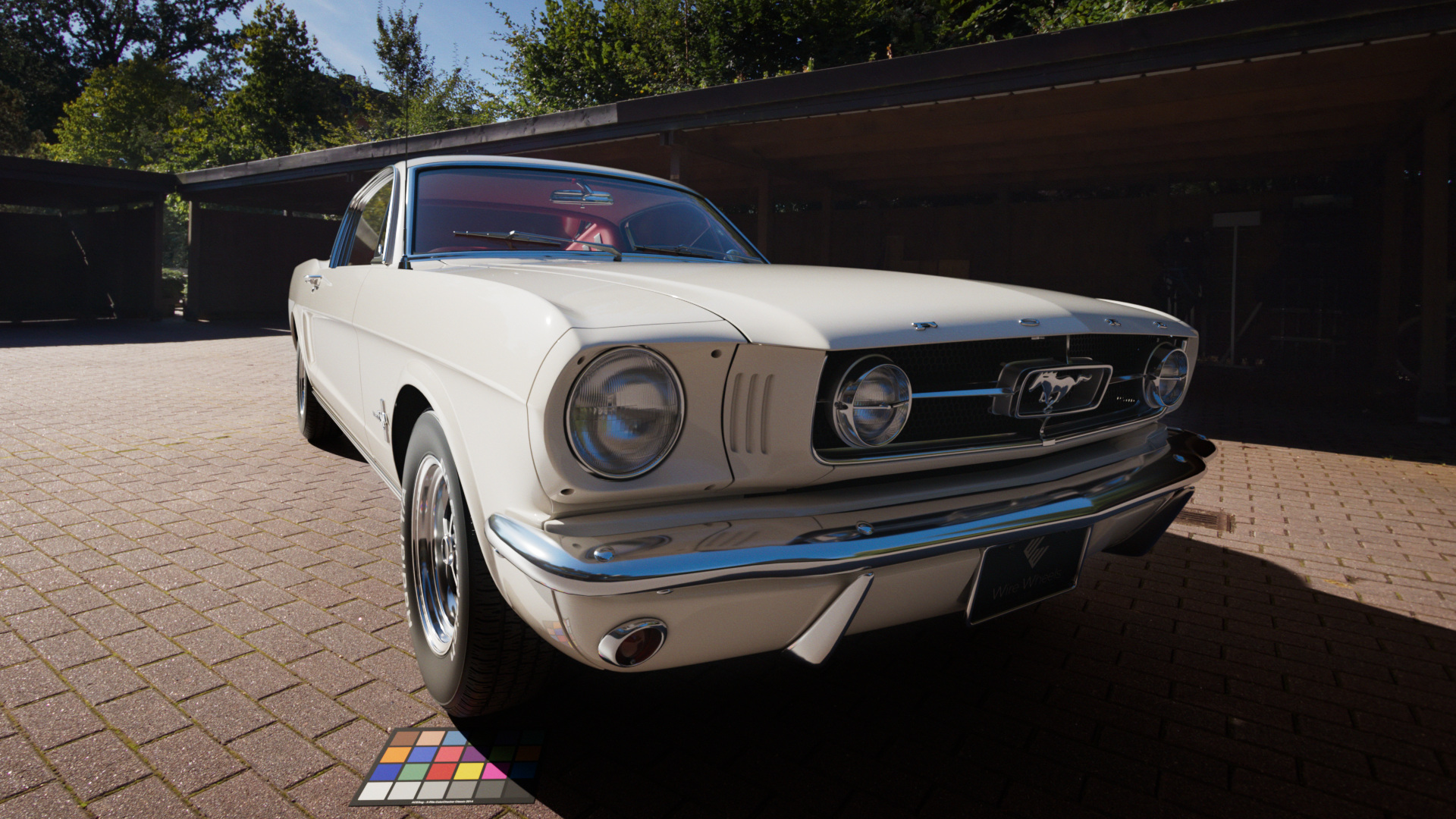
    The following screenshots don’t help much, as they can’t show the HDR values, but the most noticeable difference can be spotted on the grey background of the CG car render, and the overall overblown car paint appearance.

    https://vimeo.com/489327142
    FCPX HDR/WideGamut project: A Rec.2020 working colorspace and a Dolby PQ view transform with a HDR tone mapping to 1.000 nits maximum.
    https://vimeo.com/489327199
    Resolve Studio ACES 1.1 project: A ACEScct working colorspace and a ST-2084 (1.000 Nits P3D65limited) ODT.

    I posted in the Blackmagicdesign forum with no success. I am not sure if this is a bug or I am just missing a button somewhere. I would expect the HDR preview to work very similar in FCPX & Resolve.

  • Blender Sky Texture ACES test

    Quick test of the new Blender 2.9 sky-shader “Nishita” in ACES on the updated the page Blender & ACES Limitations.

  • H(DR)ello

    Here are some Quicklinks to the articles that are most important to me at the moment. Everything else you can find here by scrolling down or checking the menu in the upper right corner: Panicpost – commercial break

    • HDR.toodee.de – a little subdomain which features only HDR content – updated in January 2021
    • SDR next to HDR – my latest article related to HDR, where I try to explain the advantages of HDR content from a perspective of media professionals who did not see their content in HDR (yet), but might like it. – from January 2021
    • Checking the Colorchecker – a closer look at Colorcheckers.
      – from January 2021
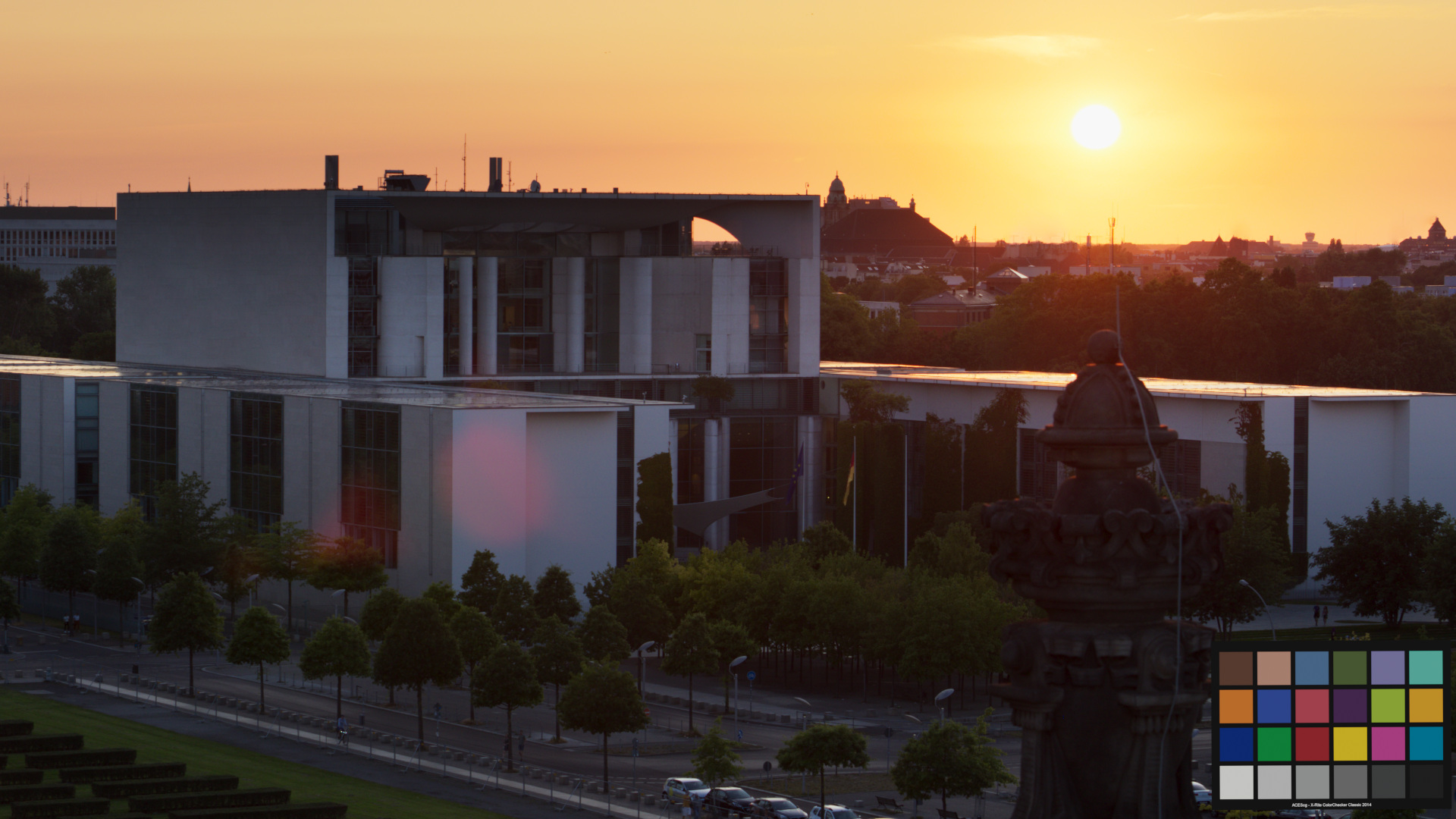
    SDR
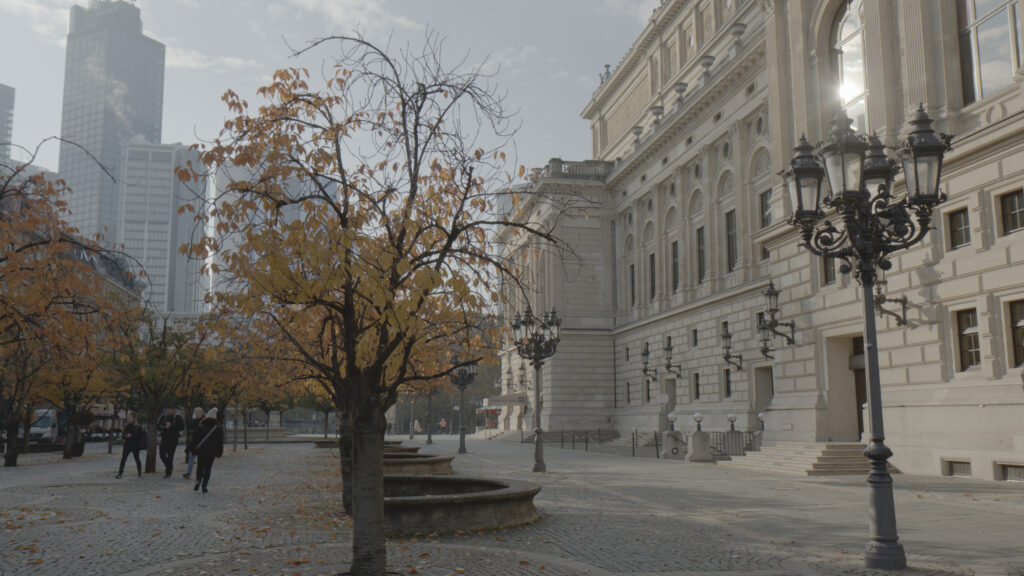
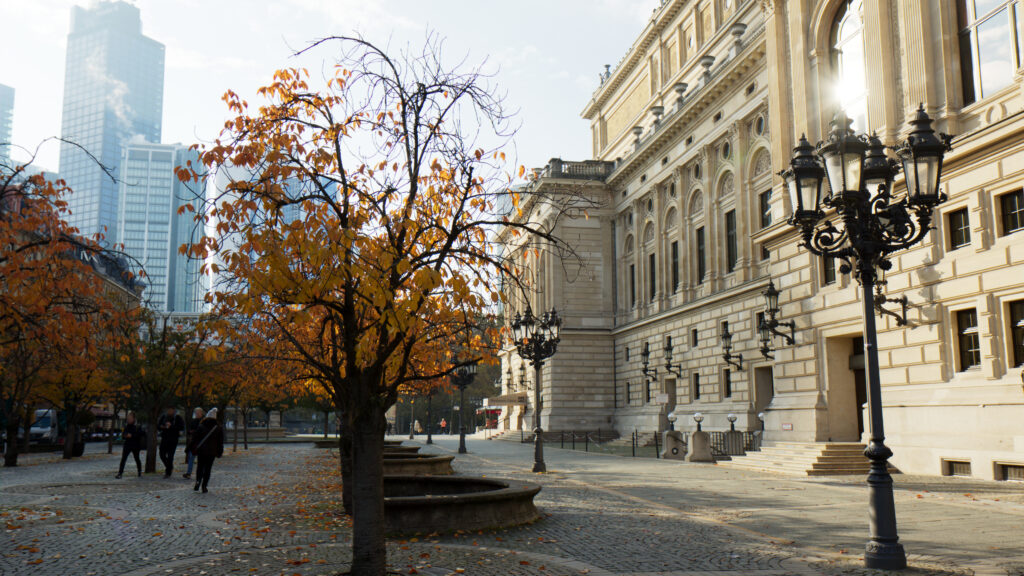
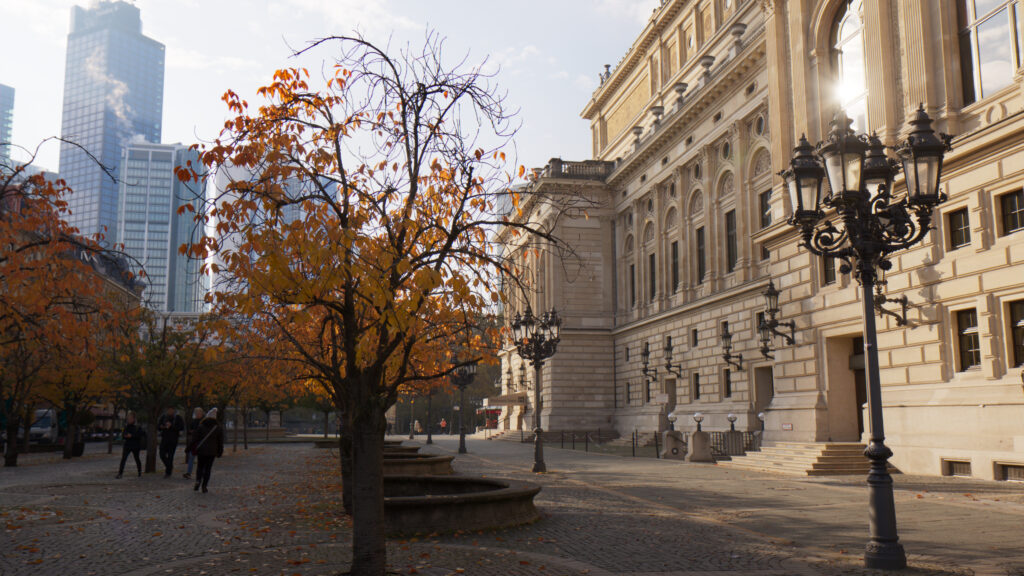
    SDR screenshot taken from the HDR master (with ACES / Rec.709 output transform)
    HDR edit available from YouTube up to UHD resolution.

  • The “lazy” compositor

    Use the “winner” HDRI from the previous article and render a car with “no” compositing effort.

    The previous article was already a bit long, so I split it up into two parts. Here it now the second part. I go over the preparation of the footage, render a car model and place it in the plate.

    Blender Cycles rendering and more or less a simple A over B in Nuke.

    HDR content disclaimer

    Please continue with 2.4.4. Refine and Render.

  • Theta Z1 vs. Canon 7D

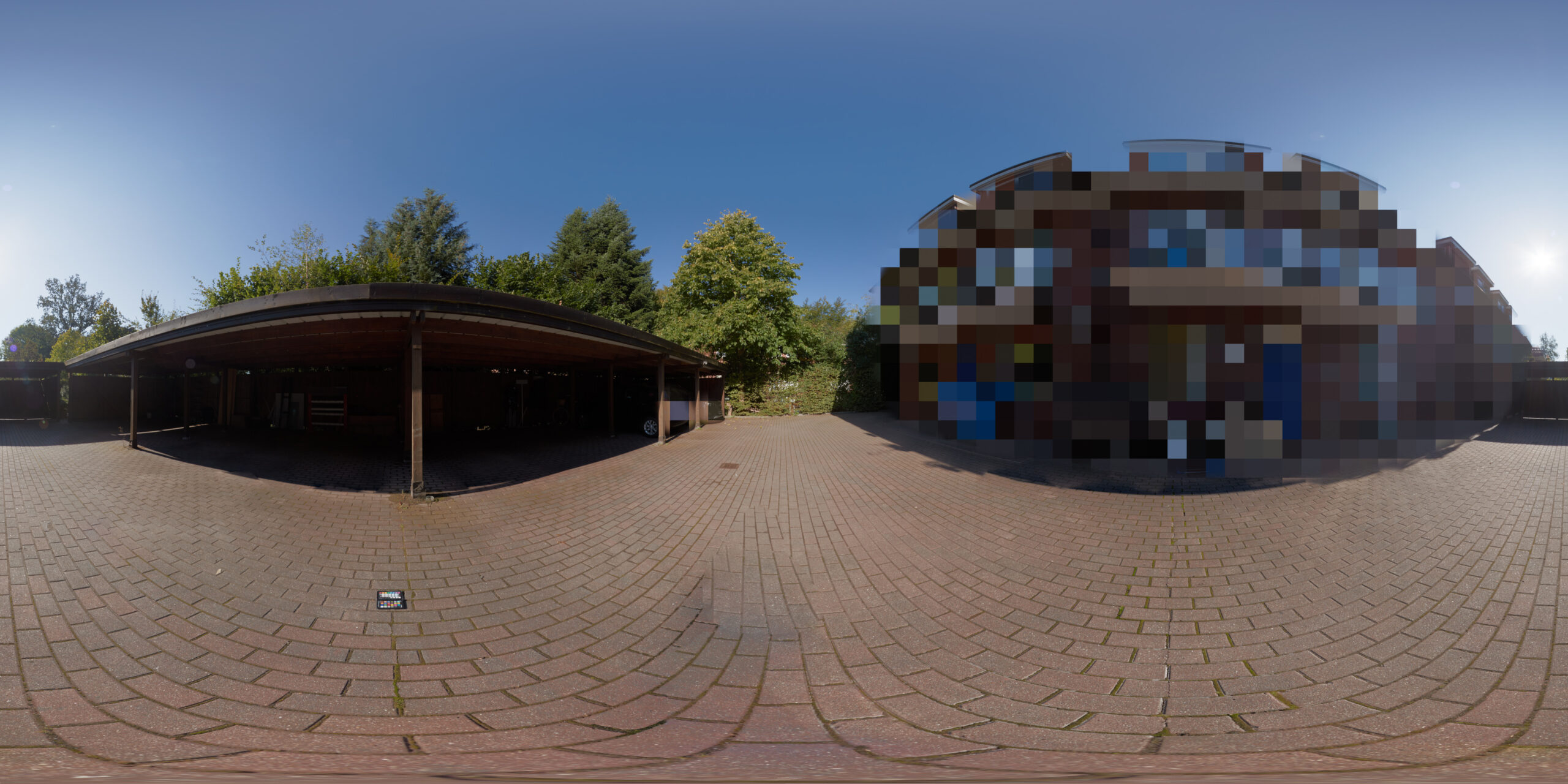
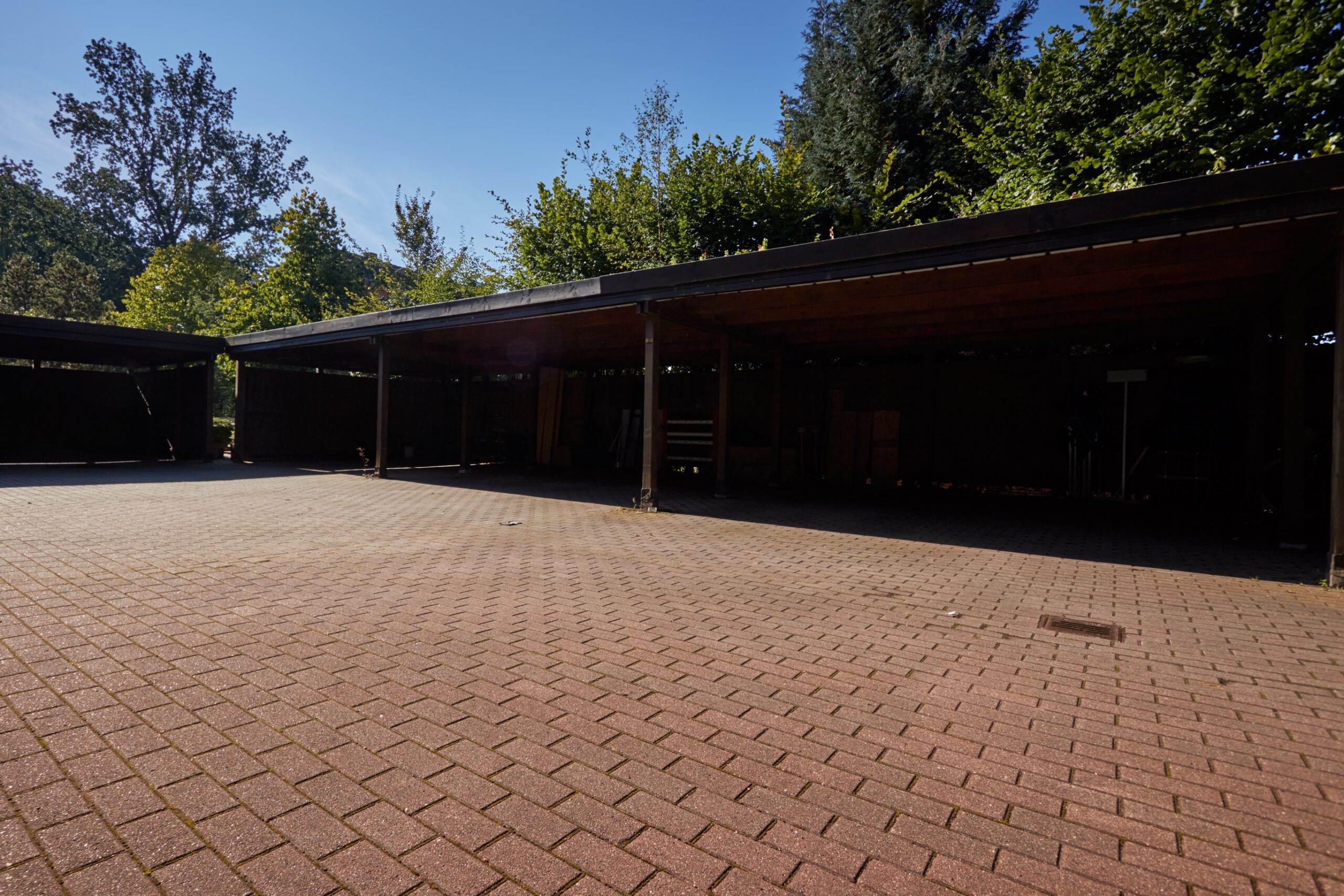
    A direct comparison, shooting brackets back to back on a parking lot.

    It’s been a while that I wrote the last article in the color chart series. Actually it was January this year, but like it feels like years ago. This time I stick to my “best” workflow using CaptureOne for the RAW to TIFF conversion and PTGui for the stitching of the HDRI, but I had the chance to do a shoot-out between the Ricoh Theta-Z1 vs. my Canon 7D setup on a quiet sunny morning. This article will be followed by a comparison of some Blender&ACES rendering results with the different HDRIs (coming soon).

    Please follow the line to the full article “2.4.3. Eliminate Variables“.

    I am still playing around with HDR content on this site. That’s why I rendered more content in HDR for further tests. This clip was rendered with Resolve Studio as a ProRes4444 and uploaded directly to Vimeo and YouTube. Somehow they look already different…

    Test upload of another video. This time from a ProRes4444 directly to YouTube.
  • Unfair grading comparisons

    Too many times you can this on social media:

    https://vimeo.com/458583591
    Resolve HDR trim pass for 1.000 nits

    I took a look at what each step means in a new article:
    Flat vs. Graded = Wow?

  • Apply 3D-LUTs in Flame and Nuke in ACES

    Just some days ago I found a question in the facebook Logik group about how to apply a preview look LUT in flame when working in ACES. I had to do this already sometimes, so I could help out amongst others, but for sure I will forget about it in the next weeks and won’t be able to find it when I need it again. So I put together the working steps that are needed to do the same in Nuke and pointed out some obvious limitations with 3D-LUTs in ACES.

    Another article for in the menu Learning ACES:
    2.6.1. Apply 3D-LUTs in flame and nuke

  • Understand Resolve color management

    with some help from Nuke.

    A look at Resolve and what the basic controls do to your image: without color management, when using a 3D-LUT and what changes when Resolve is switched to ACES.

    Lift / Gamma / Gain

    2.5.3. Understanding Resolve Color Management with Nuke