I thought it was time to finally switch the WordPress theme of this site to the new default theme “Twenty Twenty-Two”. I find the overall look is a bit cleaner but I struggle still a lot with the new menu structure. I do not find it intuitive at all.
Also some effects in galleries of the CoBlocks Plugin failed and I needed to repair some older pages so that they look kind of okay again.
I also make some little changes to the subdomain landing page hdr.toodee.de.
It is very frustrating to explore HDR content on websites, beause with every new OS, browser or hardware update suddenly some feature unexpectedly work and other which worked before all over sudden stop working.
It is a moving target. And with Instagram introducing HDR content in Reels there is even more to learn and explore and again the feature is very unpredictable at the moment. I don’t find any official information about how, when and what works regarding HDR Reels.
I hope next week Apple’s WWDC will finally mention some of the HDR features for video and stills. Till today HDR media capability is still labelled an experimental feature in Safari.
Some days ago I got a message from my fellow HDR nerd friend Finn Jäger (REPLAYBOYS). He found an Instagram Reel that shows brighter contend as usual. This is the start on HDR content on Instagram?
After testing around a bit, I think Instagram supports only HLG encoded content at the moment. I tried PQ content as well, but I can watch it only as SDR content.
I uploaded some older HDR story content that I created again as a Reel and I can see the content bright on my display. It seems it takes a while to transcode the files and some people see still only the SDR content for a while. But then, the Reel sticks out, because the previous and next posts looks more dull.
I guess it is just a matter of time now, before all the Instagram content is going to be presented as bright as possible. Poor batteries 🙂
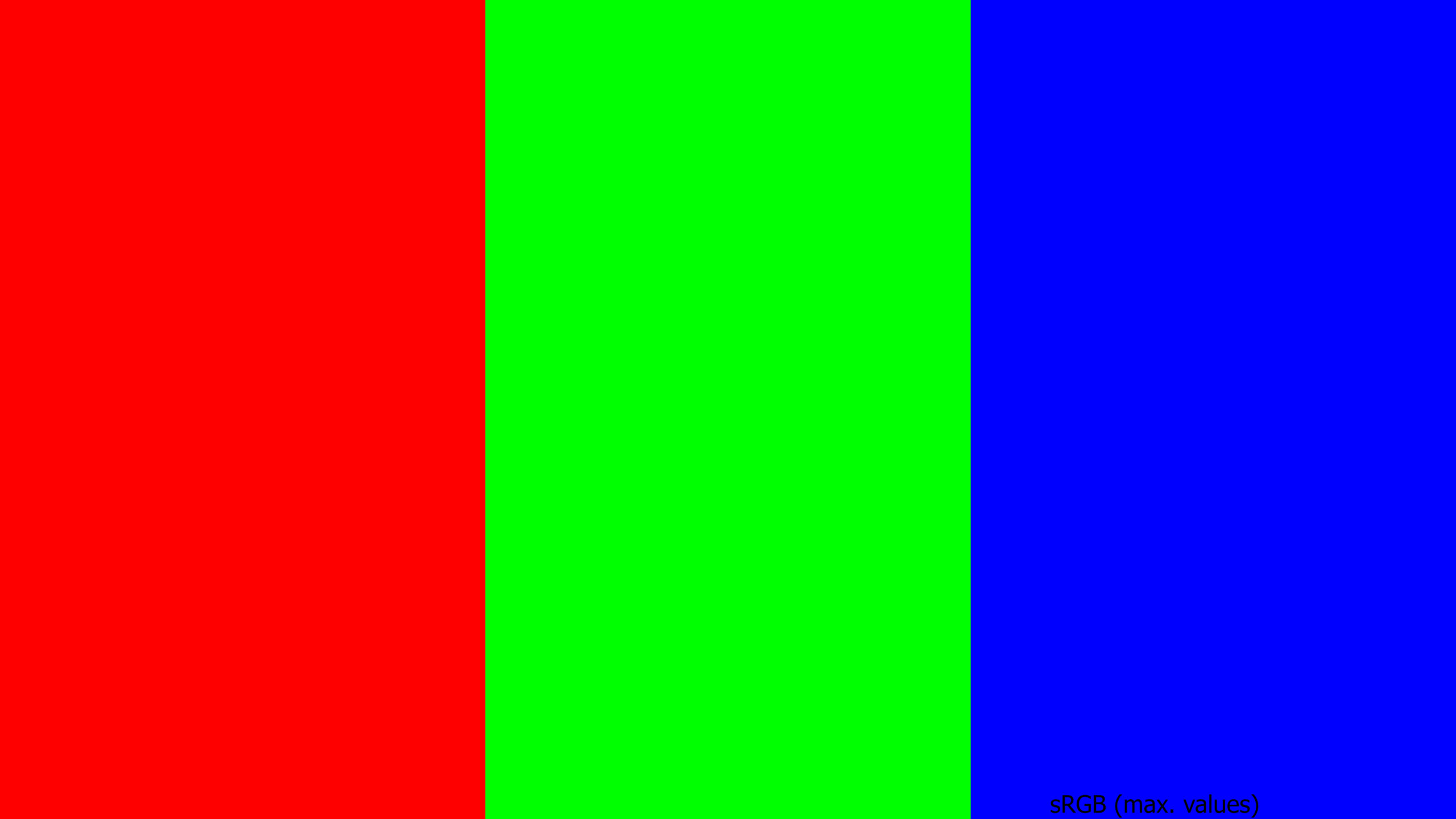
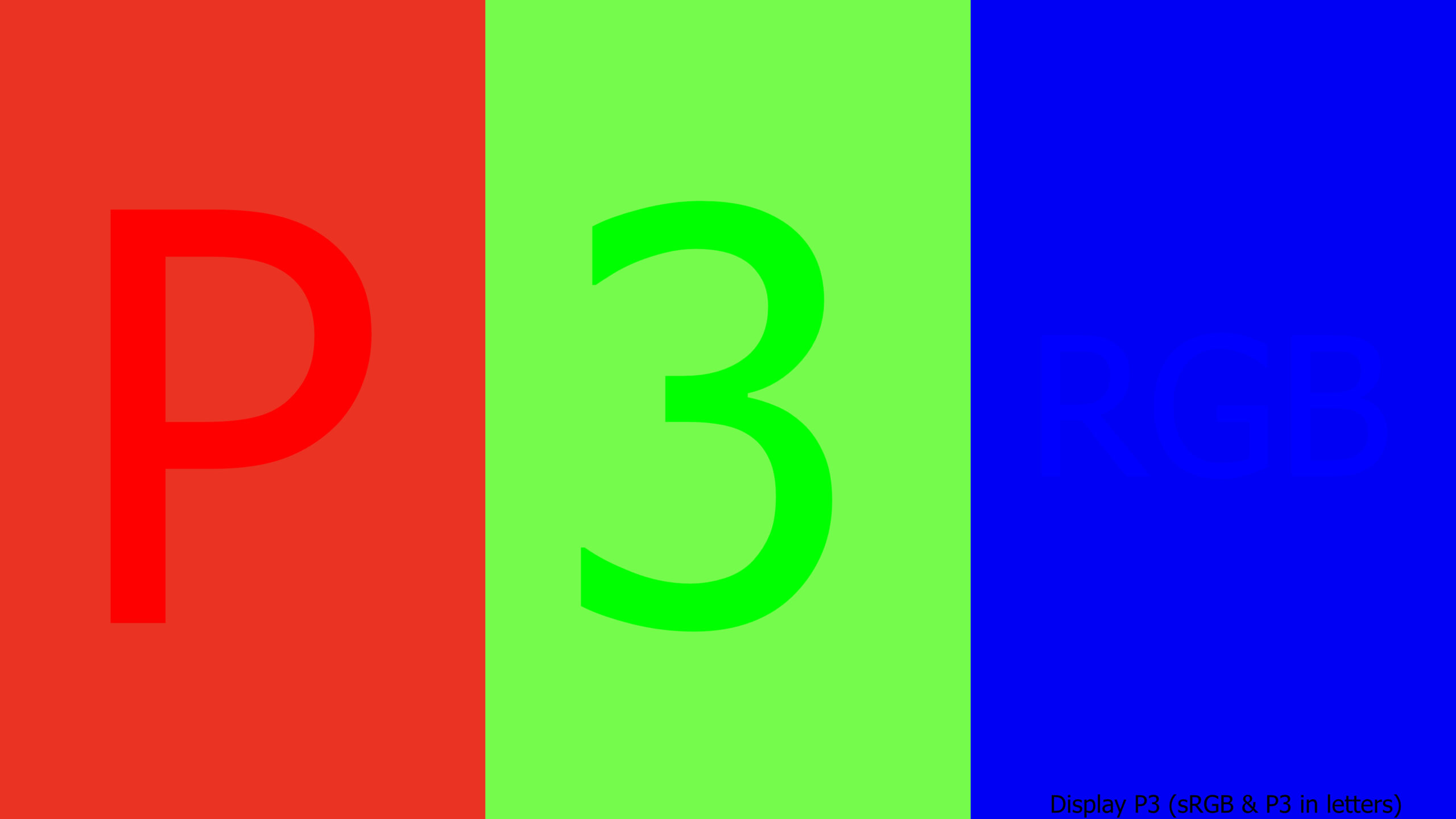
This image is encoded in Display P3, but do you see it correct?
I finished the second blog post for the new section “Exploring HDR Displays“. When you can see a difference in the following two images, then please continue reading the new post “Wide Gamut and HDR”.
If not, then… also read it 🙂
Plus, the journey continues beyond Display P3, can I show Rec.2020?
Do you have a HDR screen that can display images from Google Chrome on a MAC?
Thanks to Alex Fry to create this HDR diagnostics page that show HDR images in a browser window. This page is only working in Google Chrome with a properly connected HDR display. I can view his page on a MBP with an XDR display.
Sadly WordPress does not support AVIF images at the moment, so I am not sure how to embed these kind of files in my blog.
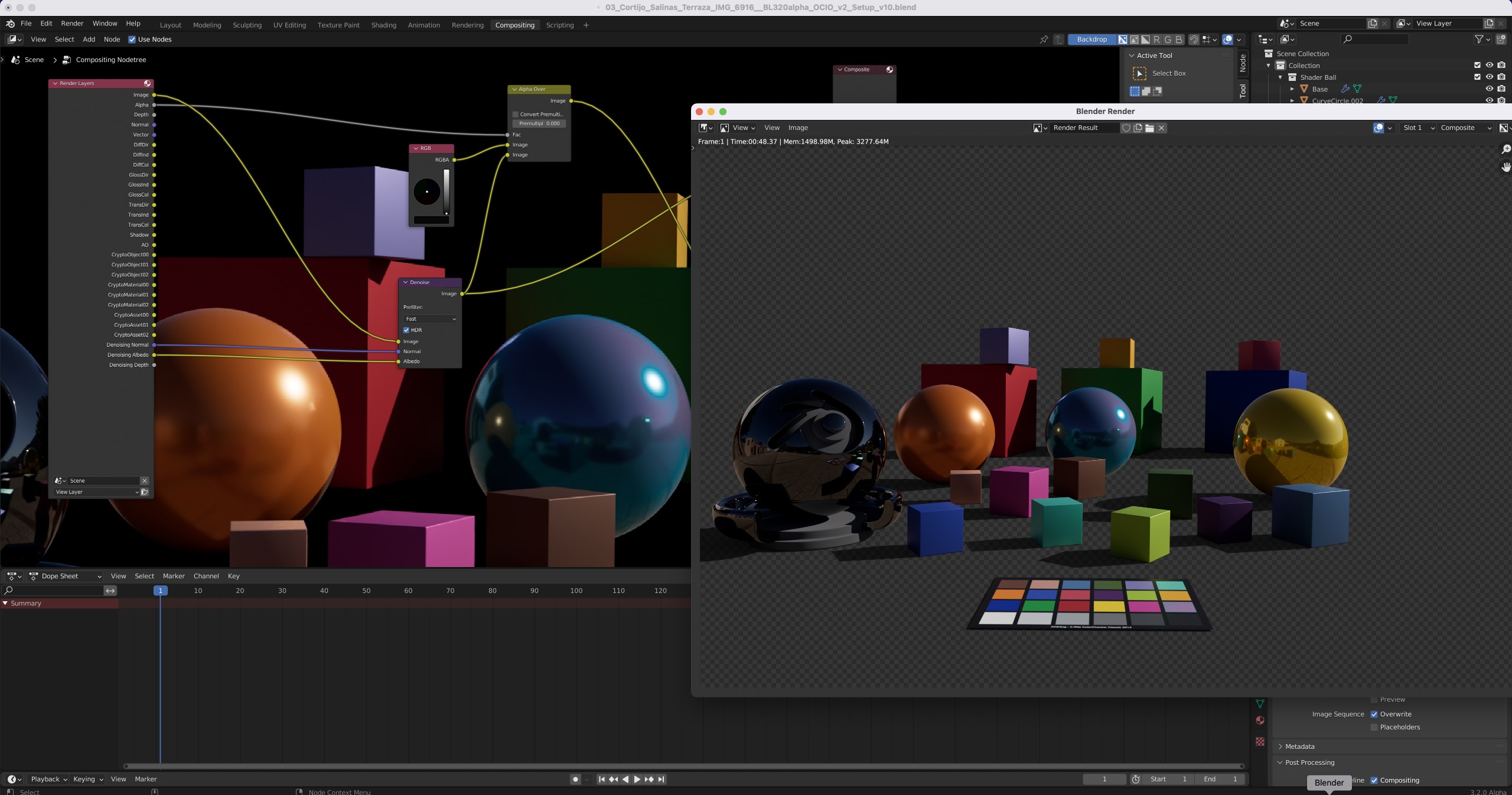
macOS 12.3 Monterey brings Metal support to Blender and my 2020 iMac with AMD graphics and there is the first OCIO V2 config that I somehow get to run in Blender 3.2 Alpha.
Here is a small setup guide to run Blender and the new OCIO V2 pre-release config. As the names indicate, it’s all Alpha and Beta so expect issues and bugs.
A bug I ran into only on my 2020 iMac 27″ (Intel & AMD) – the cyan sphere shading is broken. Maybe a macOS 12.3 issue?
10 days in Prague, 6 shooting days – a great experience
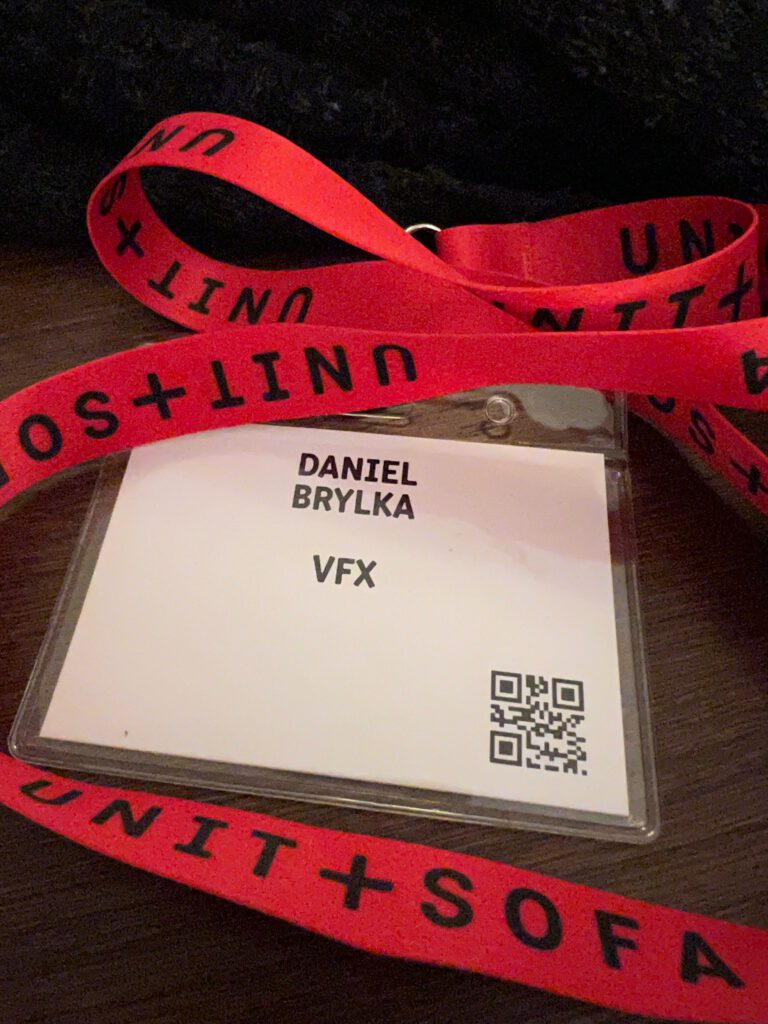
I was offered to attend this commercial shoot in Prague by Infected.digital for Markenfilm Hamburg. The fantastic service production UNIT+SOFA made me feel safe during COVID times and it was an honor to be a part of the great crew on set. Special thanks to the director Benjamin Brettschneider and the DOP Mario Krause for me being part of the team.
Facebook Logik is the past – Logik.tv is the future
Finally I am in the process to update the Flame – Speedcheck benchmark again. It has been a while. I was very happy to see that the benchmark is alive and kicking in the forums at forum.logik.tv.
So I got motivated to give the page a little update with more to follow soon I hope….
Autodesk Flame – Speed Check 2018
Here is a render of the old benchmark from 2018. I found out that there is a new version out there that was updated for flame 2020.2. This benchmark is now UHD@23.976 instead of the old one that was HD@25fps.
And here is already a second render with the latest archive I could find. I restored it into a fresh ACES project, set all the colorspace settings properly and added some gain overall on the top layer. This is a HDR version of this benchmark.
Happy new 2022! In my WordPress site I have several topics that I started in 2021 but I was not able to finish. I am looking forward to present them hopefully in the near future.
The new topics are not directly related to ACES, that’s why I created a new section called “Exploring HDR displays” on this WordPress site.
One article, at least a first part, I am able to present today. The blurry red star on a cyan background. Since I read the blog from Troy Sobotka I got fascinated with this image. The top image shows how it should look and the second image shows how it looks far too often when you try to recreate this image for yourself.
got a small update. With the new versions of the operation systems MacOS Monterey and iOS 15 I need to check again on which devices HDR is supported. There are some strange changes. For example I could always show my demo files on the iPhone 11 Pro. Now I got a new iPhone 13 Pro and the same page does not work anymore.
I also got the new M1 MBP with an XDR display, so I decided to update the subdomain hdr.toodee.de with some more detailed information on which device and with which browser or app this page actually works as intended.
Blender 3.0 lighting tests, converting a finished drone footage trailer from SDR to HDR in FCPX and filming with the new iPhone 13Pro in the ProRes format.
Blender 3.0 entered the beta phase, so I thought it is time to update the Blender and ACES 1.2 page. I found a Blender lighting tutorial video on YouTube from FlippedNormals.com and this animated me to follow along with the Blender 3.0beta version.
A fun tutorial to follow along.
At the same time I was testing the latest version of the AMD RadeonProRender 3.3 for Blender as my 2020 iMac has a Radeon Pro graphics card.
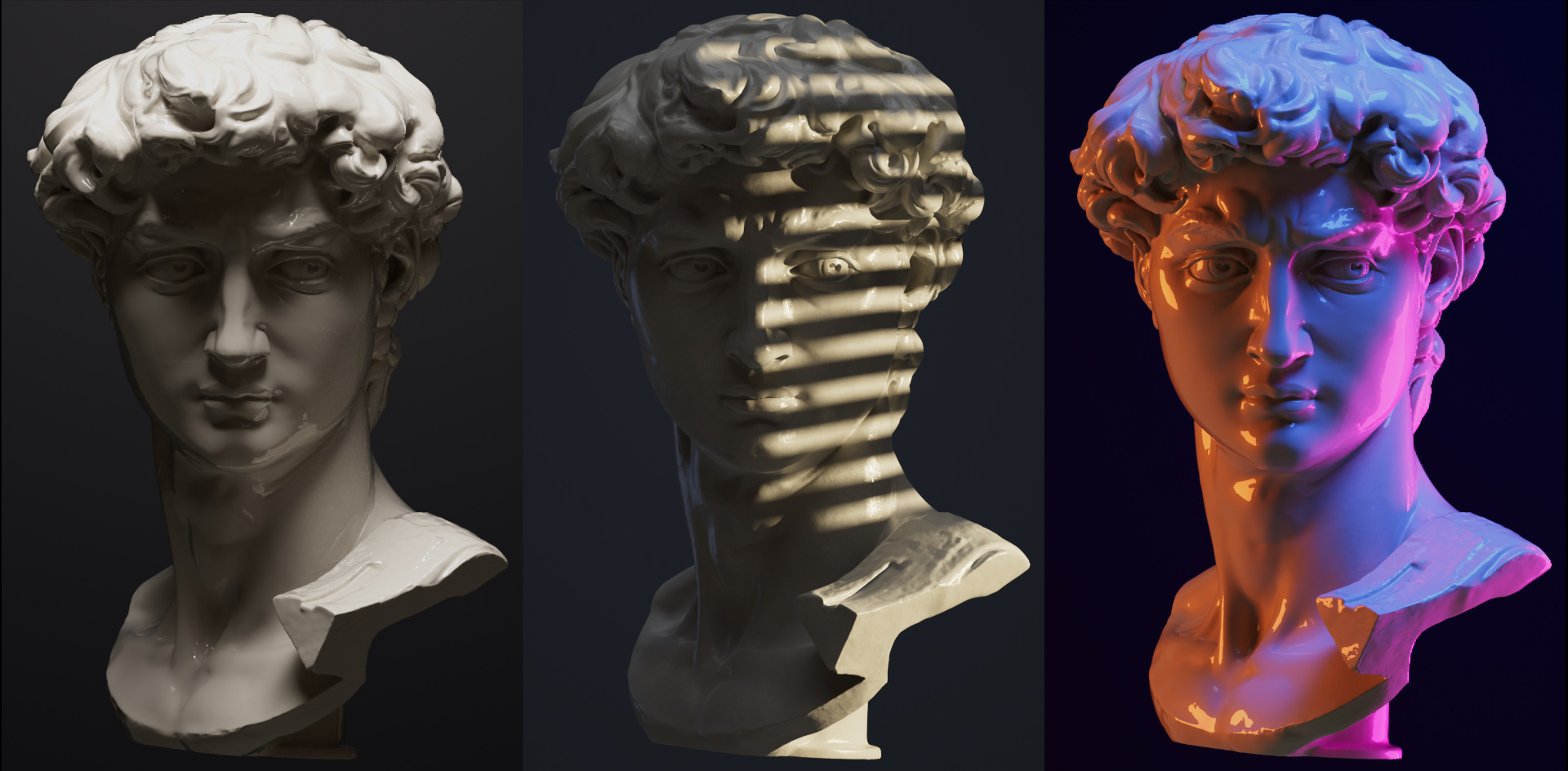
I ended up rendering some stills of the sculpture head in Blender 3.0 with ACES 1.2. As the view transform I used sRGB. The Radeon ProRender does not officially support Blender 3.0, so I used Blender 2.93.5 and Filmic to light the scenes.
My three renders in SDR.
The finished renders I imported into Resolve in ACES 1.3 mode and for the ODT I chose the HDR output ST-2084 1.000 (P3D65limited). My iMac does not show me a proper output on the UI viewer in Resolve, so I simply graded the stills to around 700 Nits peak brightness with the help of the scopes and checked the results on an iPadPro XDR. For the SDR version, I switched to the ACES/sRGB output and started the color corrections from scratch.
The HDR version or the three renderings.
Why not keyframe the three light situations and create a light animation. Rendered with the AMD ProRender engine and with Cycles in ACEScg and the same light animation, but different shaders and light intensities.
And last but not least, the two render sequences using the OpenDRT (0.090b2 from Jed Smith) display rendering transform and some additional grading in FCPX.
A quick test with the OpenDRT instead of the ACES RRT&ODT.
And here is another little test that I was able to for a personal project of Florian Zachau from Sehsucht that he shot on his SKYDIO 2 drone. He sent me his finished edited and graded project as a UHD ProRes file, I gave it a shot and converted it in FCPX to HDR.
The camera source files and his graded master are done in SDR, but the overall images have already such a big contrast, so it was easy to stretch the sun and lights even further out and make them brighter. I tried to hide the sun disc a little bit more and desaturated areas around the sun. A bit of grain was added and the converted ProRes file handed back to Florian.
Sure, there are compression and other artifacts from pushing the material even further, but on a mobile screen the image looks just cool! Thanks to Florian to be able to add a bit of “spice” to his cool trailer video.
Amazing drone footage shot by Florian Zachau, edited and graded in Resolve.
For the last little project I did a walk alongside the Elbe in Hamburg and filming close to dawn on a sunny autumn day in November.
The shots were filmed just from the hand holding the phone in HD 1080p@60fps in ProRes. The 20 GB heavy clips I imported into FCPX and created a little edit in a HDR/WideGamut. The source files are shot in HLG mode, and I tried in FCPX to to a conversion to PQ, but there is not much more that I could pull out of that footage. So I uploaded the slightly graded film from a ProRes HLG master file.
iPhone 13 Pro ProRes footage shot in HLG and finished in HLG
The same edit, but converted to PQ in FCPX and finished with some additional grading steps.
Here is another project for Genesis called “Vision”. On the website of Infected.digital you can see the client edit and on the website of the director William Armstrong you can see the directors cut.
I just helped out with small Nuke comp tasks and worked mostly on the conforms & online tasks in flame. Last week we finished the directors cut version.
Genesis – Vision (Directors Cut)
And the next project is available on YouTube. The GV60 from Genesis. More films will follow soon.